Download JeetBuzz App for Android & iOS

The Jeetbuzz app gives players in Bangladesh full access to sports betting, betting exchanges, and thousands of casino games right from their smartphone or tablet. The app can be downloaded for free on Android and iOS devices, has low system requirements, and runs smoothly even on older phones. New users who register through the app can receive a 100% welcome bonus of up to BDT 900 on their first deposit. All key features are available in the mobile version, including account management, deposits and withdrawals via bKash, Nagad, Rocket, and cryptocurrency, bonus activation, and live streaming of selected matches. Download the Jeetbuzz app today and start betting on the go.

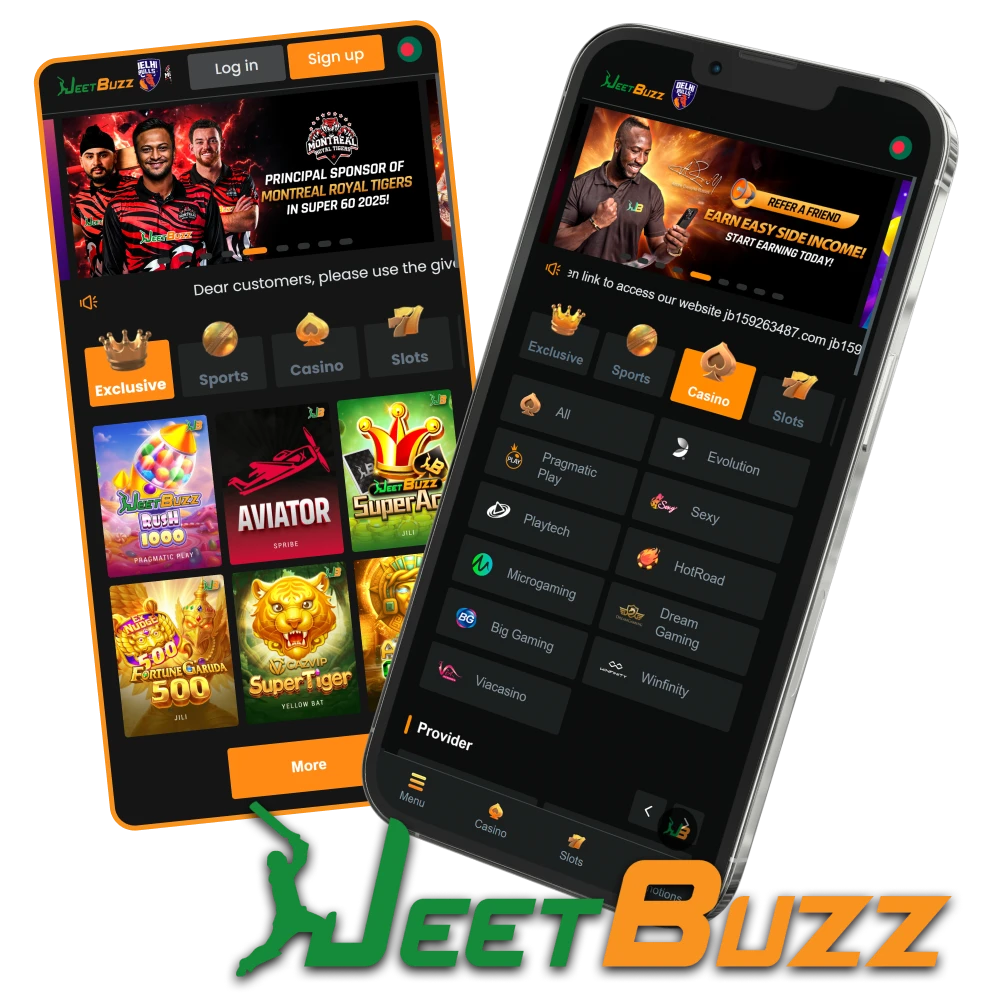
Download the Jeetbuzz mobile app for Android and iOS to bet on sports and play casino games in Bangladesh.

Jeetbuzz Key Features App Overview

The Jeetbuzz app brings together every feature of the desktop site in a compact, mobile-friendly format. Below is a full overview of the app specifications.

Parameter Details
Download Price Free
Age Restriction 18+
APK File Size 65 MB
Installed Size Varies by device
Supported OS Android 8.0+ / iOS 12.0+
Available Languages English, Bengali
Sports Betting Pre-match, Live, Exchange, Esports, Virtual Sports (40+ disciplines)
Live Streaming Available for selected matches
Casino Games Slots, Live Casino, Crash, Table Games, Fishing, Arcade, Lottery
Game Providers PG Soft, JILI, Pragmatic Play, Fa Chai, JDB, Hacksaw Gaming, Evolution
Welcome Bonus 100% up to BDT 900
Payment Methods bKash, Nagad, Rocket, UPay, TAP, OKWallet, USDT, BTC
Deposit Fees Free
Available on Google Play No (APK from official site)
Available on App Store No (PWA via Safari)
Push Notifications Yes
Automatic Updates Yes
Customer Support 24/7 Live Chat & Email

What’s New

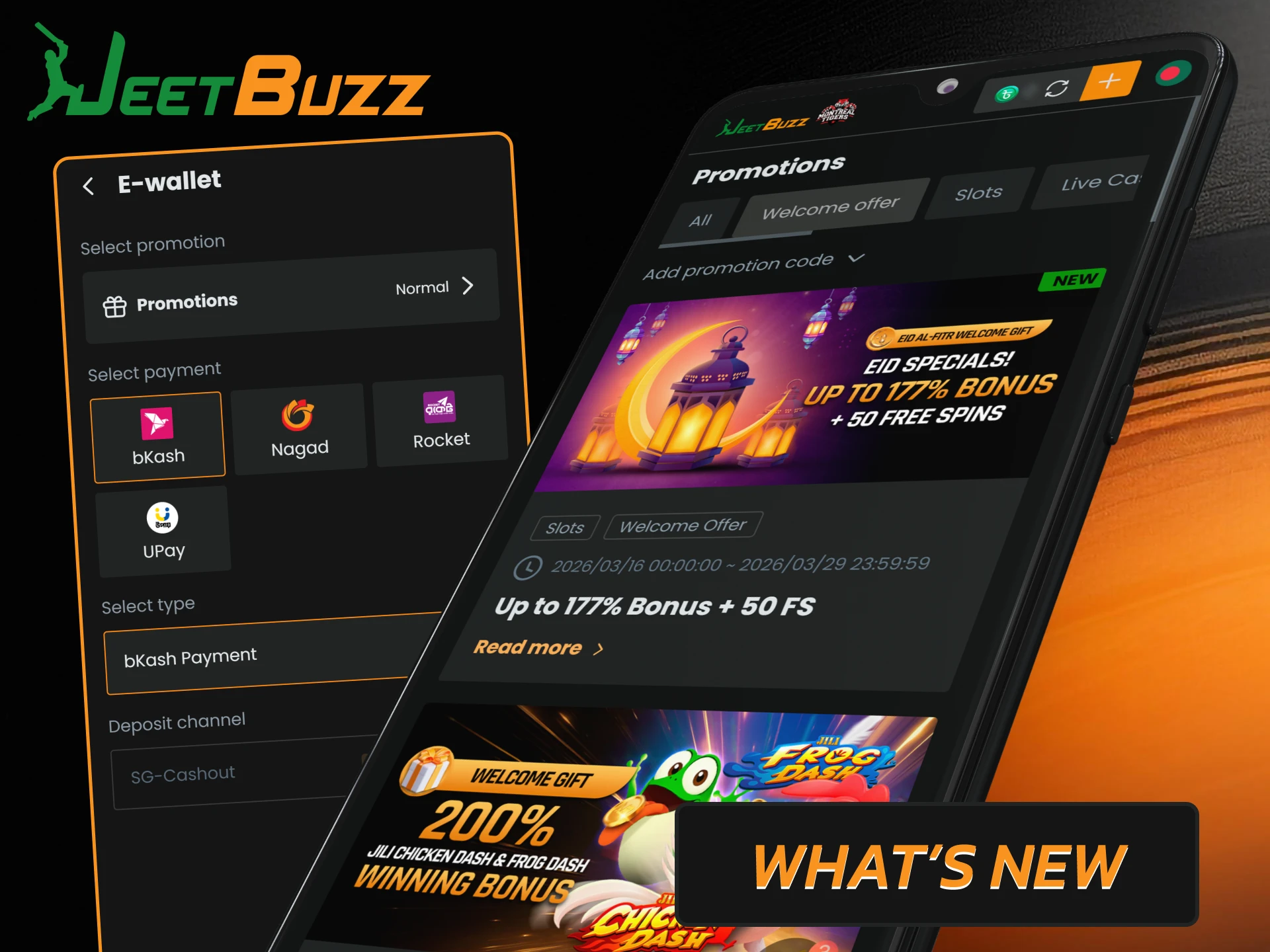
The Jeetbuzz development team regularly updates the app to improve stability, speed, and overall user experience. Here are the latest changes:

  • Performance improvements. Reduced loading times in the sports betting and casino sections, smoother transitions between pages, and faster processing of betting slips;
  • Bug fixes. Issues with periodic session timeouts during live betting have been resolved, and display errors on some Android devices have been fixed;
  • Bengali localization update. Translation accuracy and consistency in menus, promotions, and support chat have been improved for more natural Bengali usage;
  • Payment module update. Integration with bKash and Nagad has been updated for faster deposit confirmation and more stable withdrawal processing;
  • Live stream optimization. Video player performance has been improved for low-bandwidth connections, buffering has been reduced, and resolution scaling on small screens has been improved.
Latest Jeetbuzz app updates for improved performance and security.

Jeetbuzz App Interface Preview

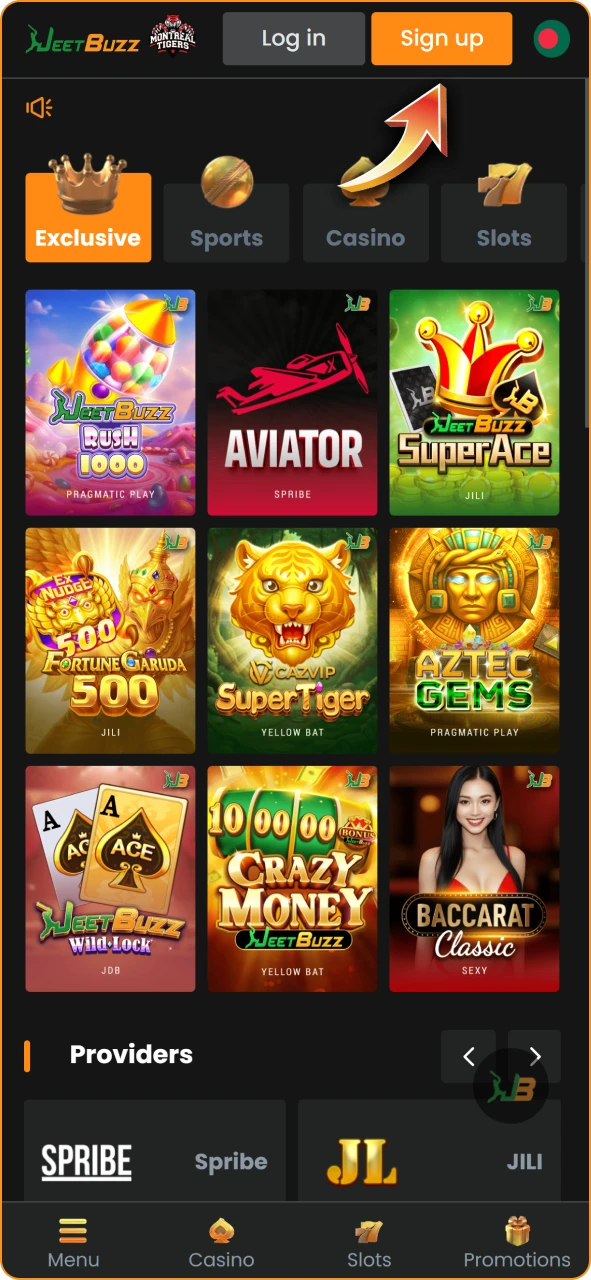
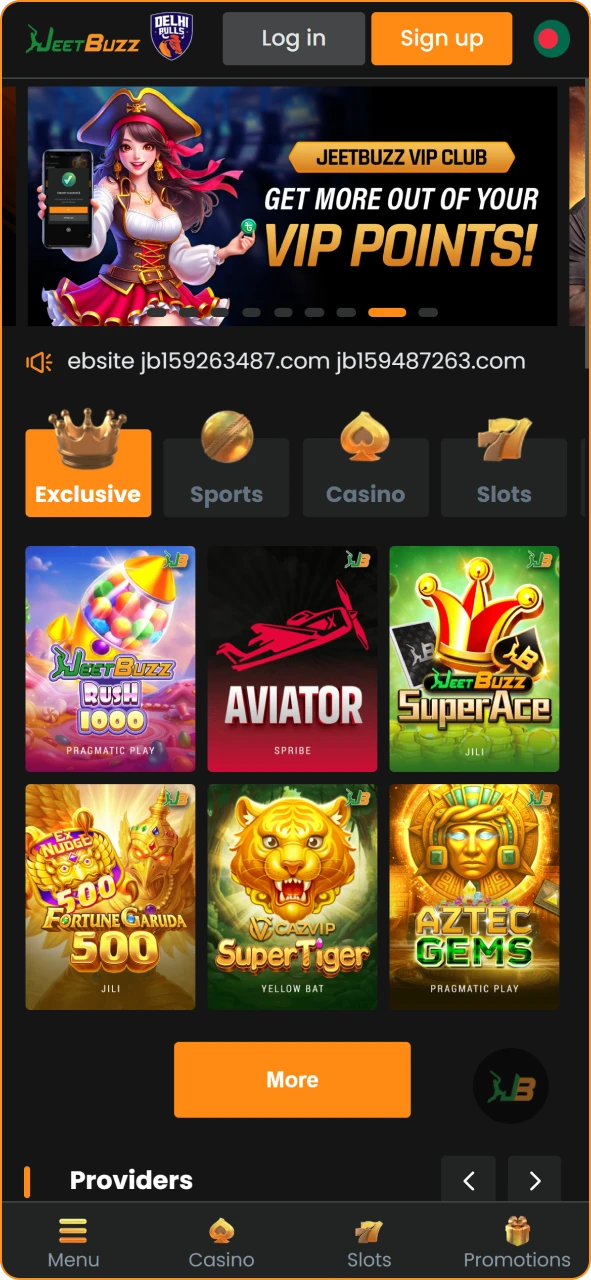
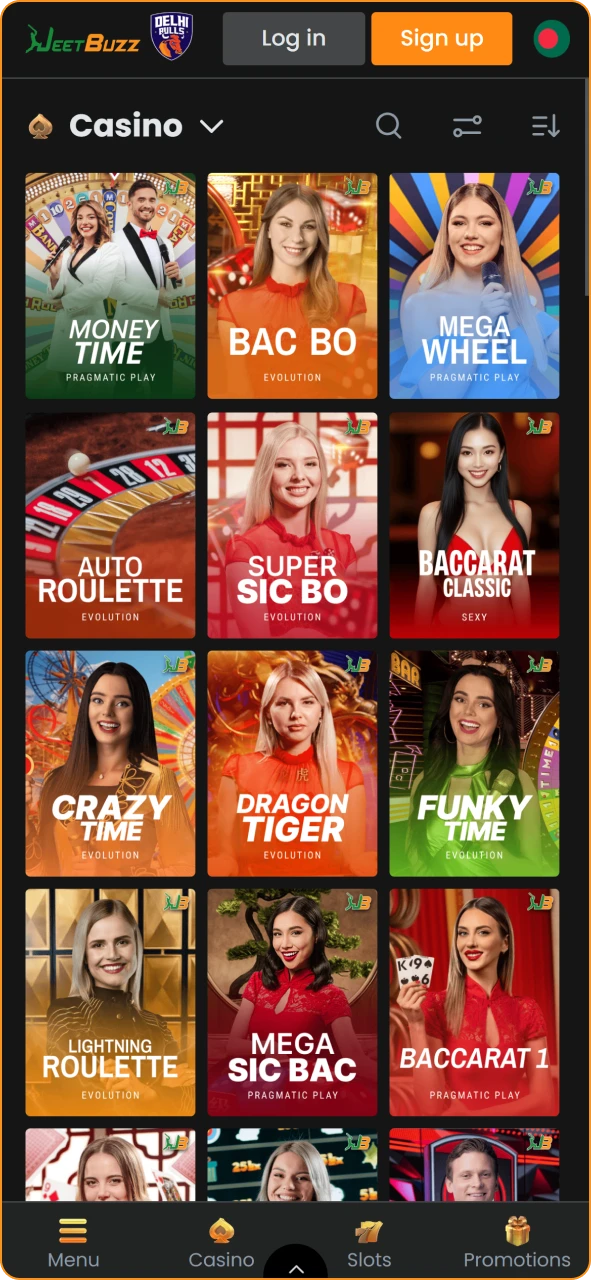
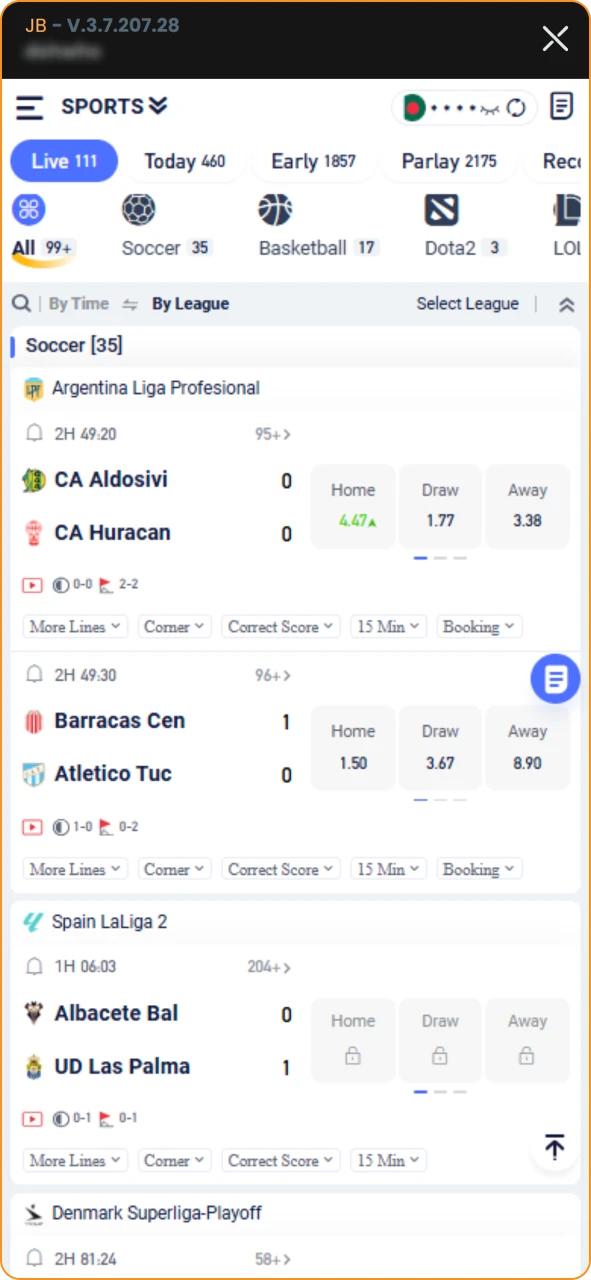
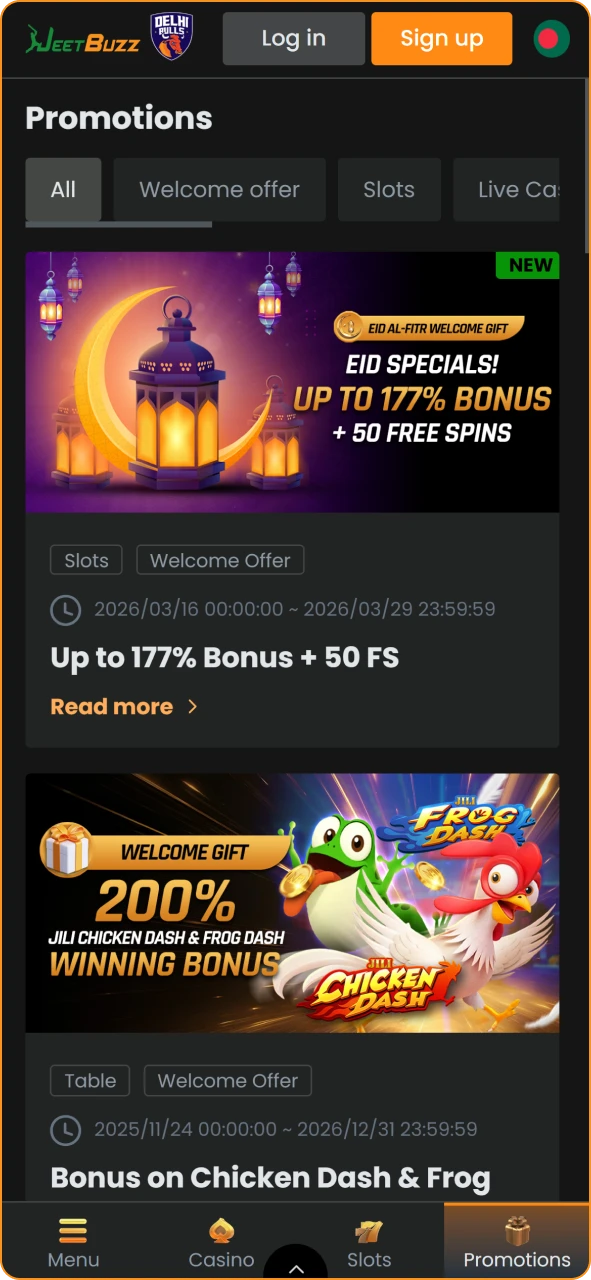
The Jeetbuzz app uses a dark color scheme with orange and gold accents, which makes the text easier to read and the screen comfortable for prolonged use. The main menu is located at the bottom of the screen and provides quick access to the Sports, Casino, Promotions, and User Profile sections. All key actions (placing a bet, making a deposit, opening a live chat) are easily accessible. Game categories, sports disciplines, and match lists are arranged in a convenient grid. Below are screenshots of the current version of the app.

Jeetbuzz Bangladesh home page interface.
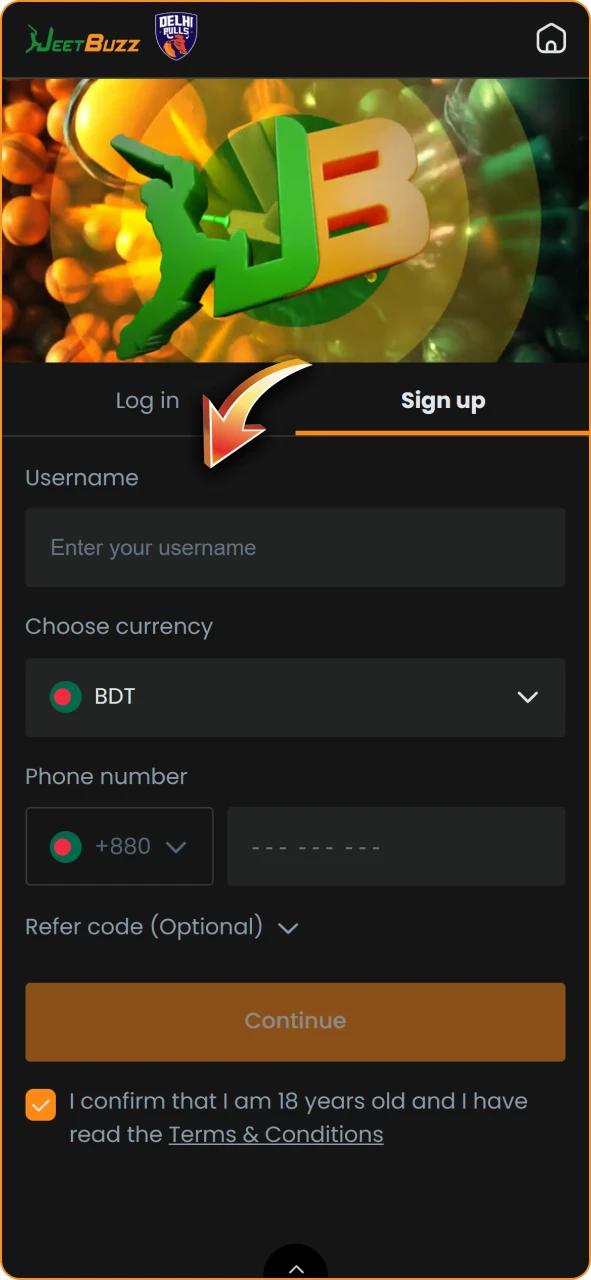
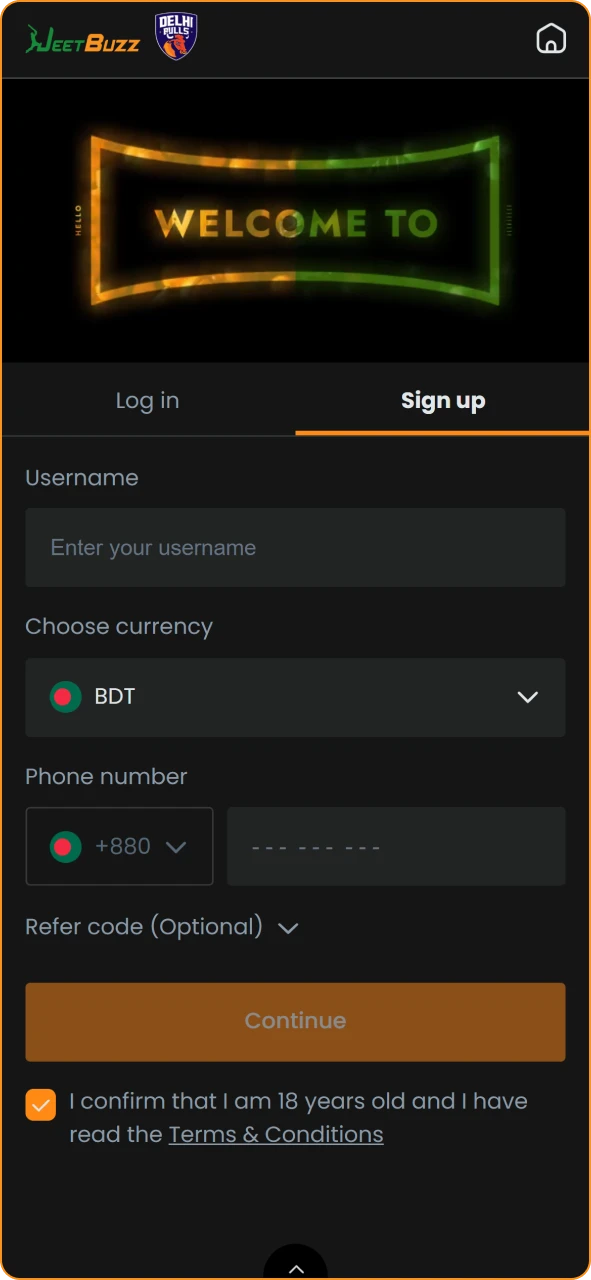
Jeetbuzz account registration form.
Jeetbuzz online casino games lobby.
Jeetbuzz sports betting section.
Jeetbuzz promotions and rewards page.

How to Download Android APK of JeetBuzz Bangladesh

Installing the Jeetbuzz app on your Android device takes just a couple of minutes. To get started, follow these steps.

1

Tap the “Download” Button on Our Website
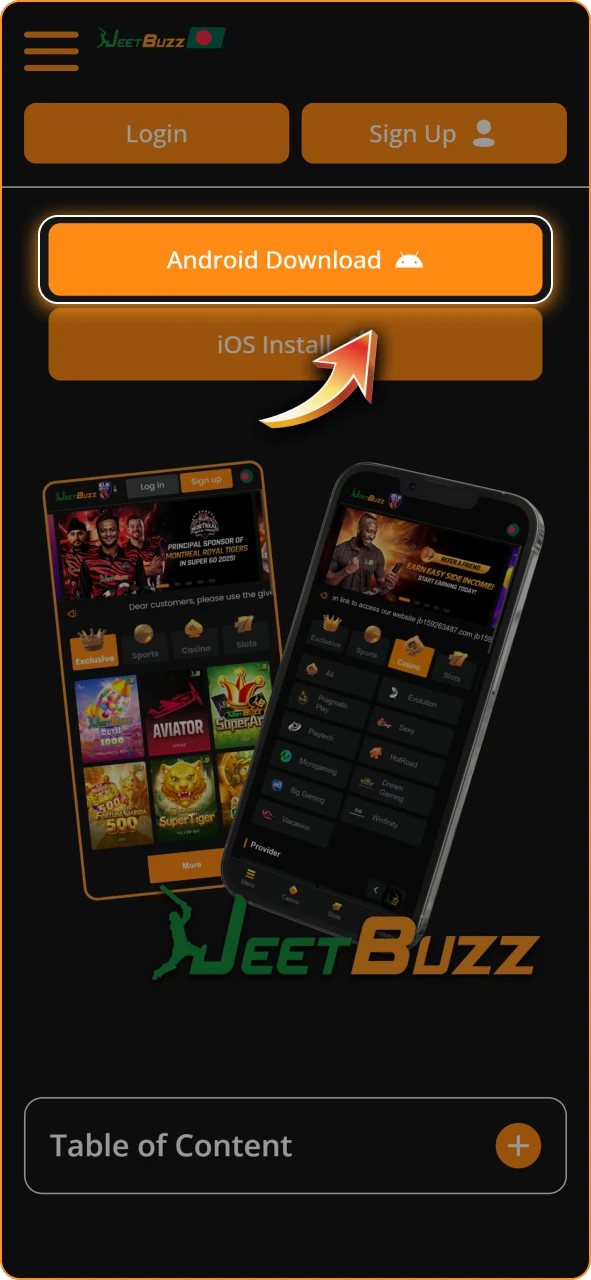
Select the Jeetbuzz application download link on the official site.

Tap the “Download Jeetbuzz for Android” button on this page to start downloading the APK file directly to your device.
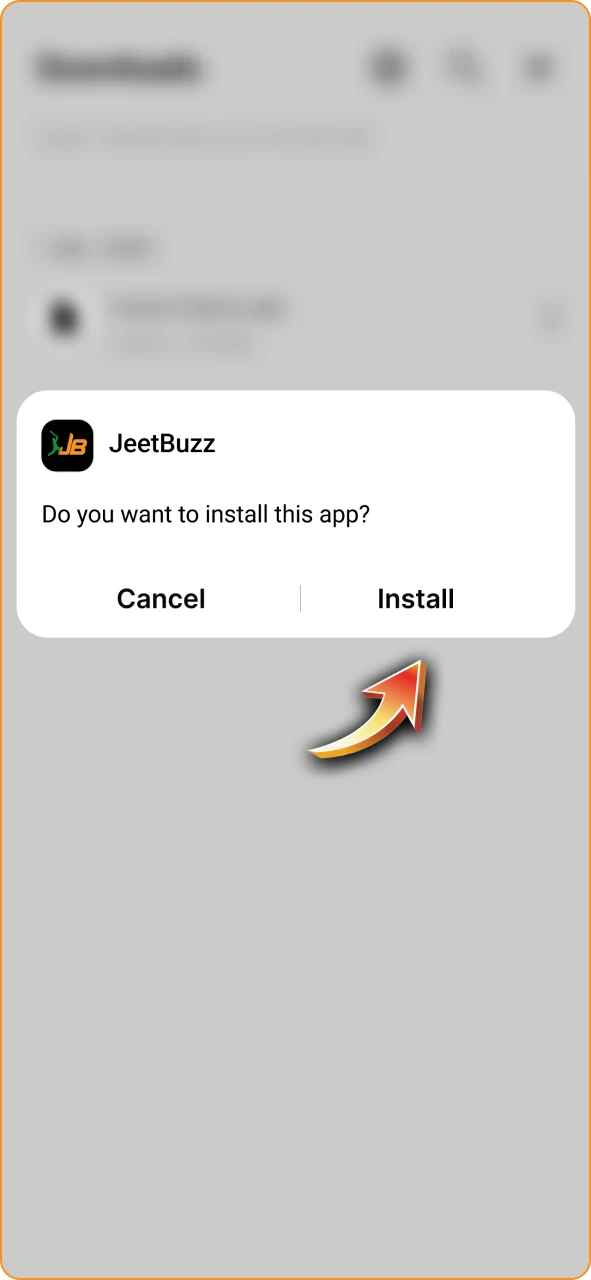
2

Confirm the Download

Accept the request to save the Jeetbuzz APK file to your device.
A pop-up window will appear asking you to confirm the download. The APK file will be saved in your Downloads folder.

3

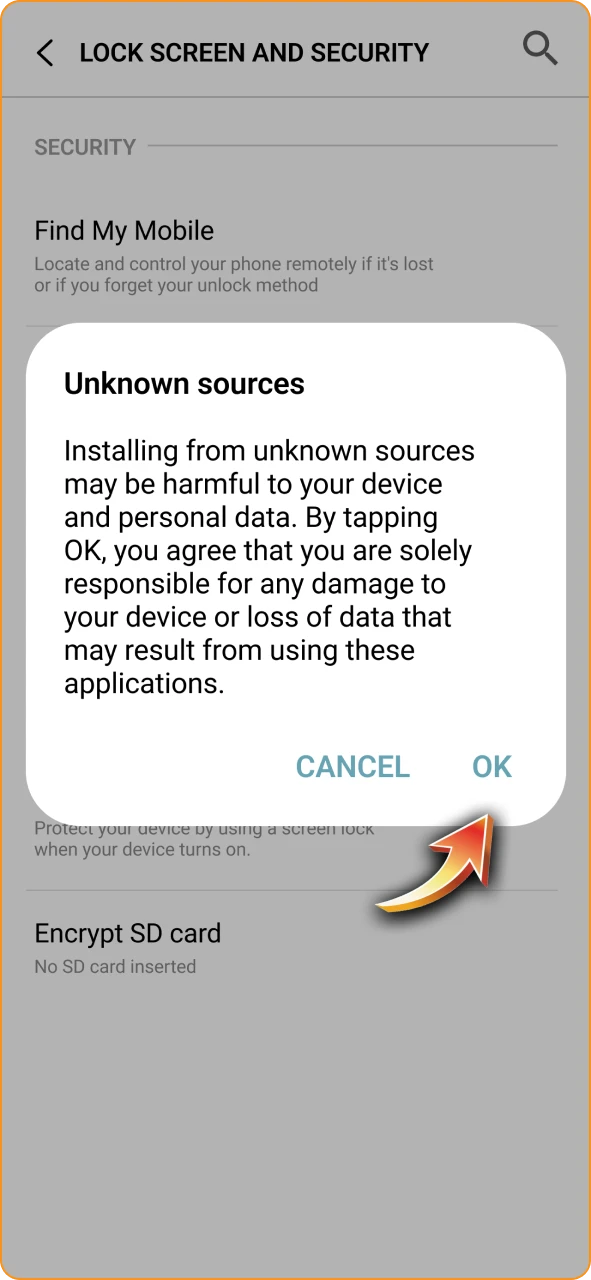
Allow Installation From Unknown Sources

Enable mobile security permissions to install the Jeetbuzz app.

Open your device’s settings, go to the Security section, and enable the option to install apps from unknown sources. If a warning appears, click the confirmation button.

4

Install the App

Complete the Jeetbuzz application installation on your smartphone.

Open the file manager or Downloads folder, tap on the Jeetbuzz APK file, and confirm the installation. Wait a few seconds for the process to complete.

Launch the app. The Jeetbuzz icon will appear on your home screen. Open it, log in or register a new account, and you’re ready to place bets.

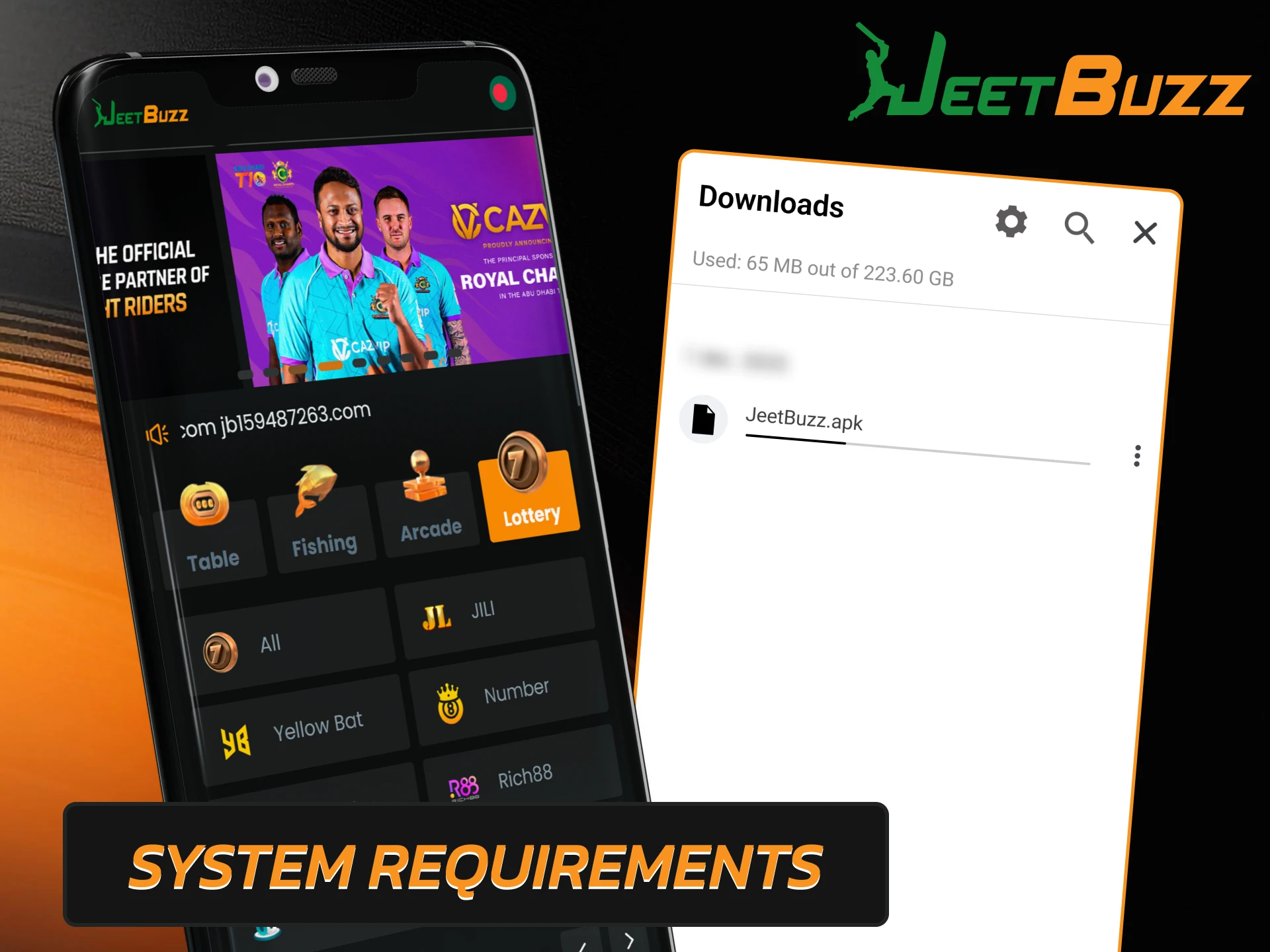
System Requirements for Android

The Jeetbuzz app is small in size and runs smoothly on most Android devices currently available on the market. Below are the minimum system requirements:

  • Android version: 8.0 or higher;
  • APK file size: approximately 65 MB;
  • Free disk space: at least 100 MB;
  • RAM: 1 GB or more;
  • Processor: 1.4 GHz or faster.
Check the Android system requirements for the Jeetbuzz mobile application to ensure smooth gameplay.

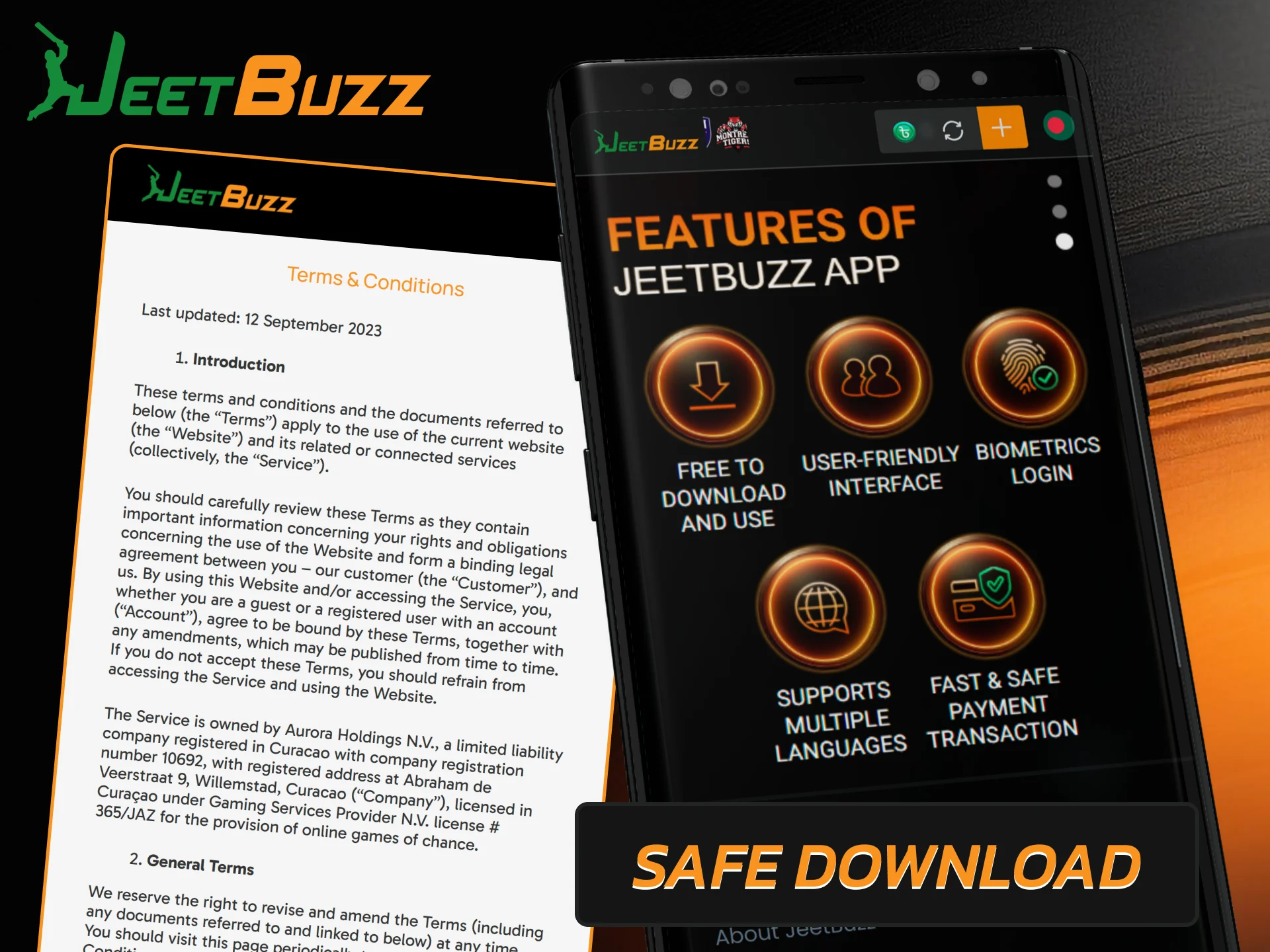
Is It Safe to Download Jeetbuzz APK?

The Jeetbuzz app has been developed with a focus on security and user data protection. The development team regularly releases updates that eliminate potential vulnerabilities and improve overall stability. All servers use SSL encryption and are monitored around the clock, which prevents unauthorized access to player accounts by third parties. Withdrawals are only permitted to payment details that were previously used to fund the account, adding an extra level of financial security. Jeetbuzz operates under international license No. ALSI-202410030-FI1, which confirms compliance with requirements for data processing, game fairness, and payment protection.

Learn about the security measures and official sources for a safe Jeetbuzz APK download.

How to Install JeetBuzz App on iOS

The Jeetbuzz app for iPhone and iPad works as a progressive web app (PWA) added through Safari. No App Store download is required. Here is how to set it up.

1

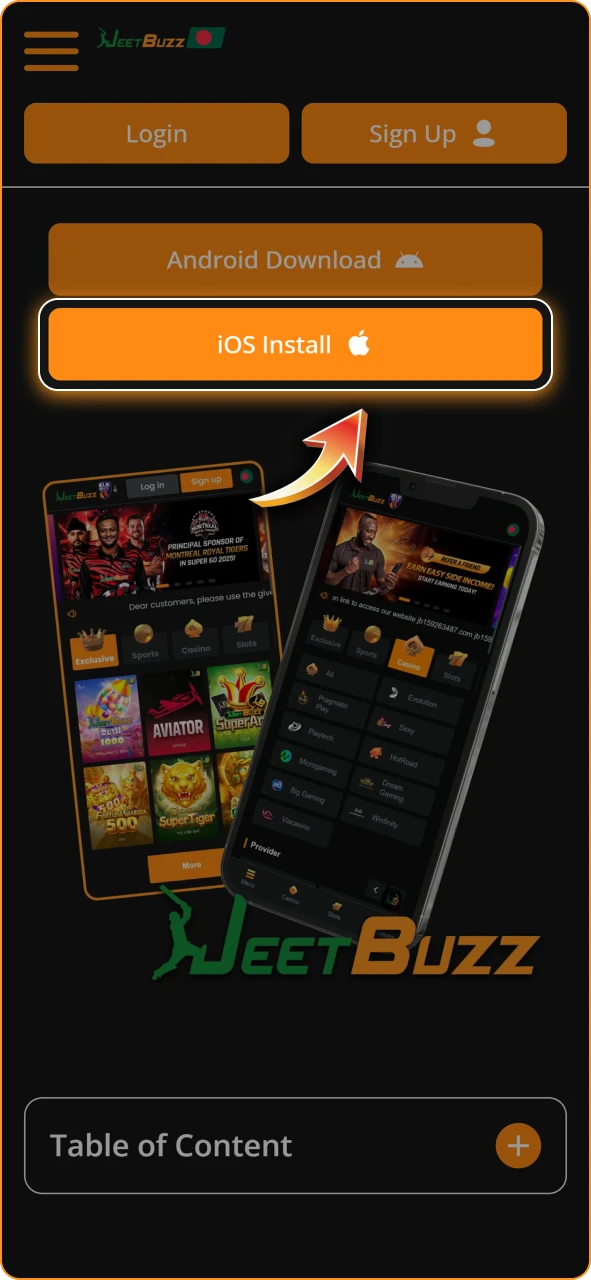
Tap the Download Button on Our Site

Select the Jeetbuzz application link using the Safari browser.

Open this page in Safari on your iOS device and tap the Jeetbuzz iOS download button. You will be redirected to the official website.

2

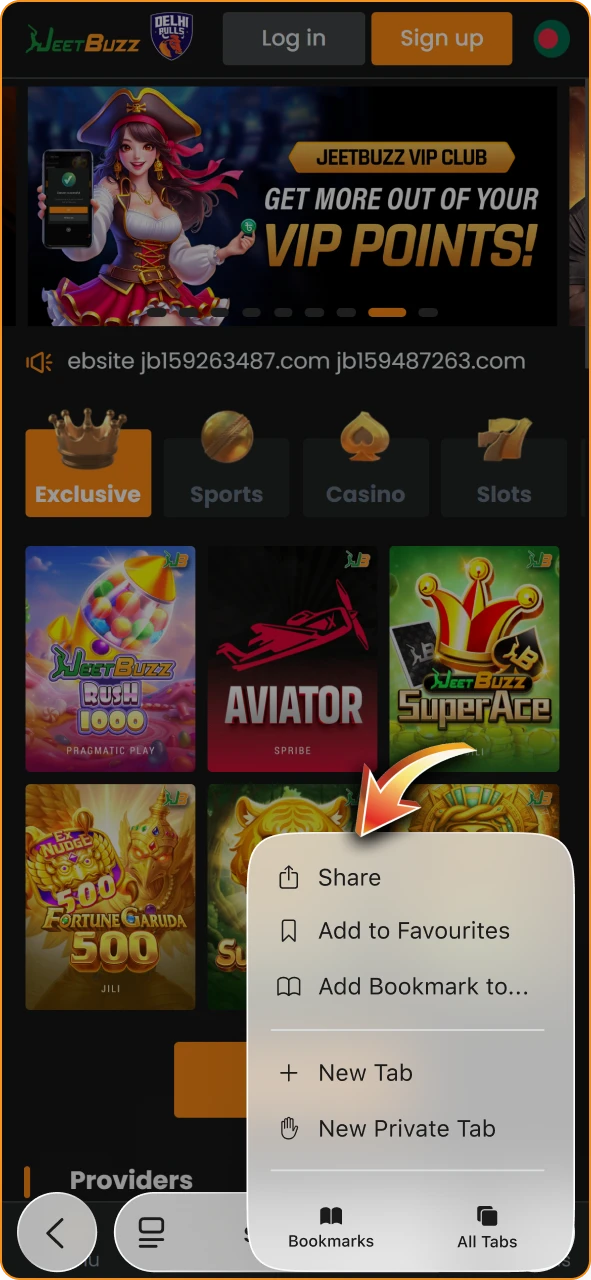
Open the Share Menu

Access the browser sharing options at the bottom of the screen.

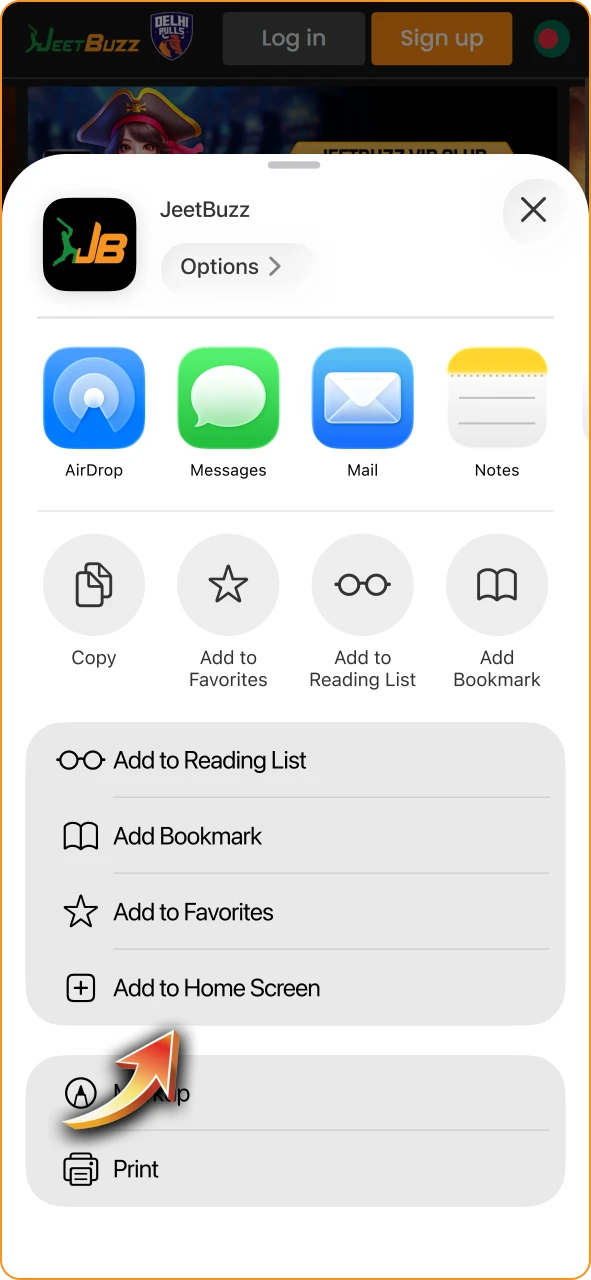
Tap the Share icon at the bottom of the screen (a square with an upward arrow). A menu will appear with several options.

3

Add to Home Screen

Create a Jeetbuzz shortcut on your iOS home screen for quick access.

Select “Add to Home Screen” from the list. You can rename the shortcut if you wish. Tap “Add” to confirm.

The Jeetbuzz icon will appear on your home screen alongside your other apps. Tap it to launch the app and start betting.

System Requirements for iOS

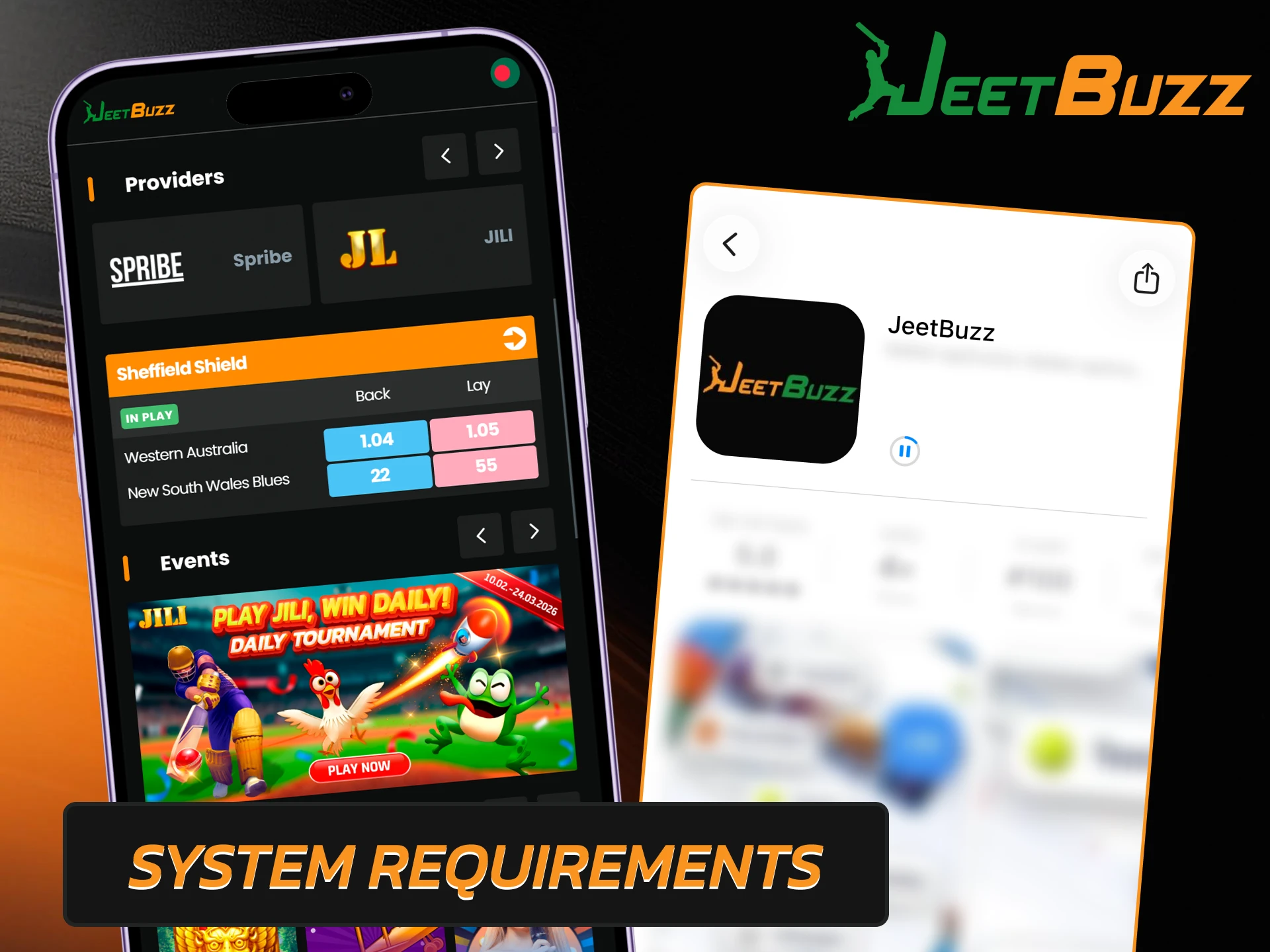
The PWA version of Jeetbuzz has minimal requirements and works smoothly on most Apple devices. Here is what you need:

  • iOS version: 12.0 or higher;
  • Free storage space: approximately 40 MB;
  • RAM: 1 GB or more;
  • Processor: 1.4 GHz or faster;
  • Browser: Safari (required for PWA installation).
Check iOS compatibility and requirements for the Jeetbuzz mobile application on iPhone and iPad.

Bonuses for JeetBuzz App Users

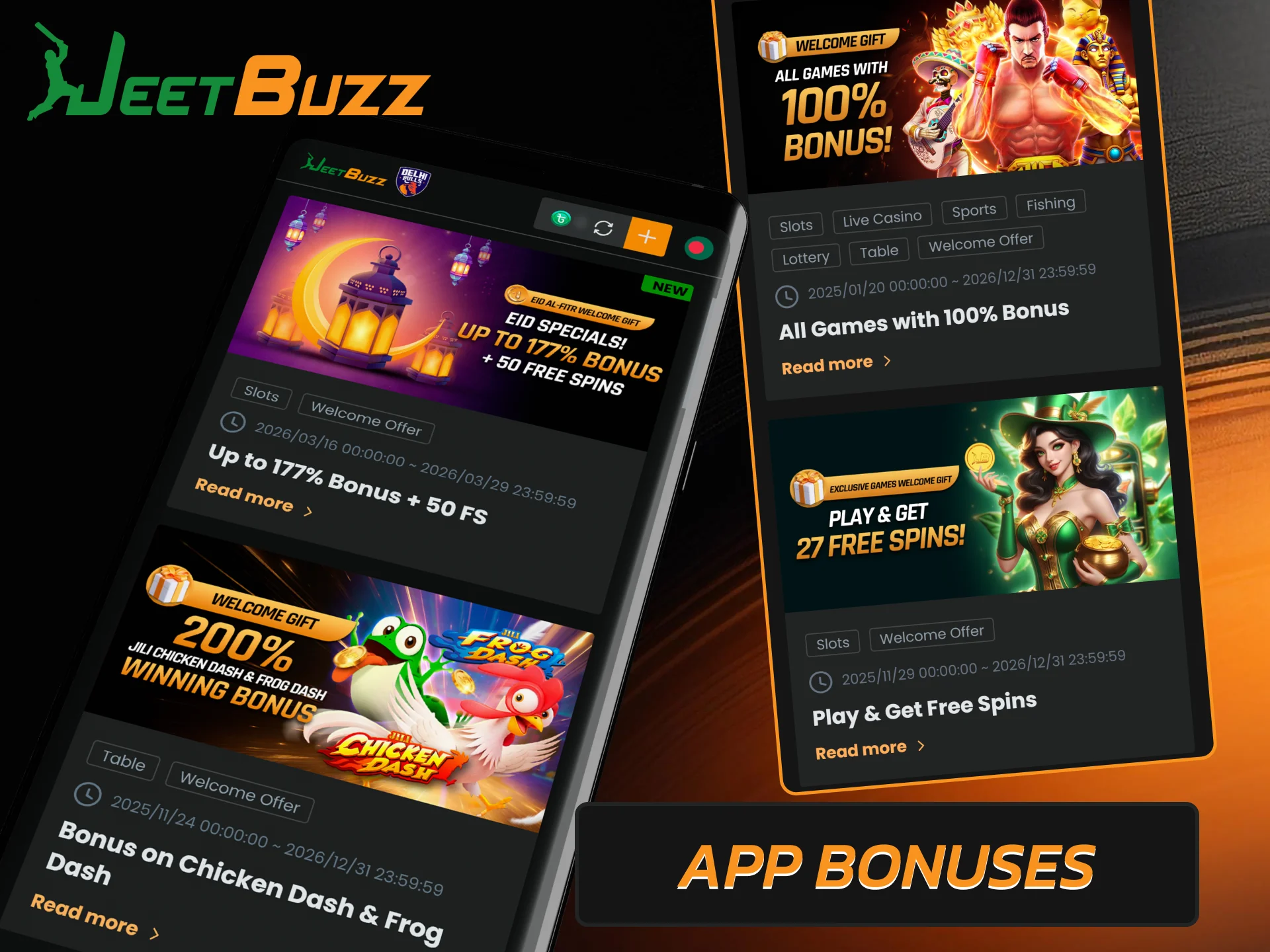
All promotions available on the desktop website are fully accessible through the Jeetbuzz mobile app. New and existing players can activate bonuses directly from their smartphones. Here are the main offers available to app users:

  • 100% welcome bonus. New players receive a 100% bonus on their first deposit up to BDT 900, valid for all games and sports markets;
  • 77% sports bonus. First deposit bonus up to BDT 7,777 to use on all sports markets;
  • 50% live casino bonus. First deposit offer for Evolution Gaming games with a 30x wagering requirement;
  • 200% Chicken Dash & Frog Dash bonus. Double winning bonus for players who make a deposit and place bets on selected JILI table games on the same day;
  • Free spins. 27 free JILI spins awarded after reaching a minimum turnover of 577 BDT on selected exclusive games;
  • VIP program. Earn VIP points by placing bets in the app, advance through the 7-level program, and convert points into real money.
Claim exclusive mobile bonuses and rewards in the Jeetbuzz Bangladesh app.

Updating JeetBuzz App to the Latest Version

Updating the app is important for both security and performance. Each new version may include bug fixes, speed improvements, and new features. Here’s how to update the app:

  1. When a new version is available, you will receive a push notification on your device. Tap on it to open the app.
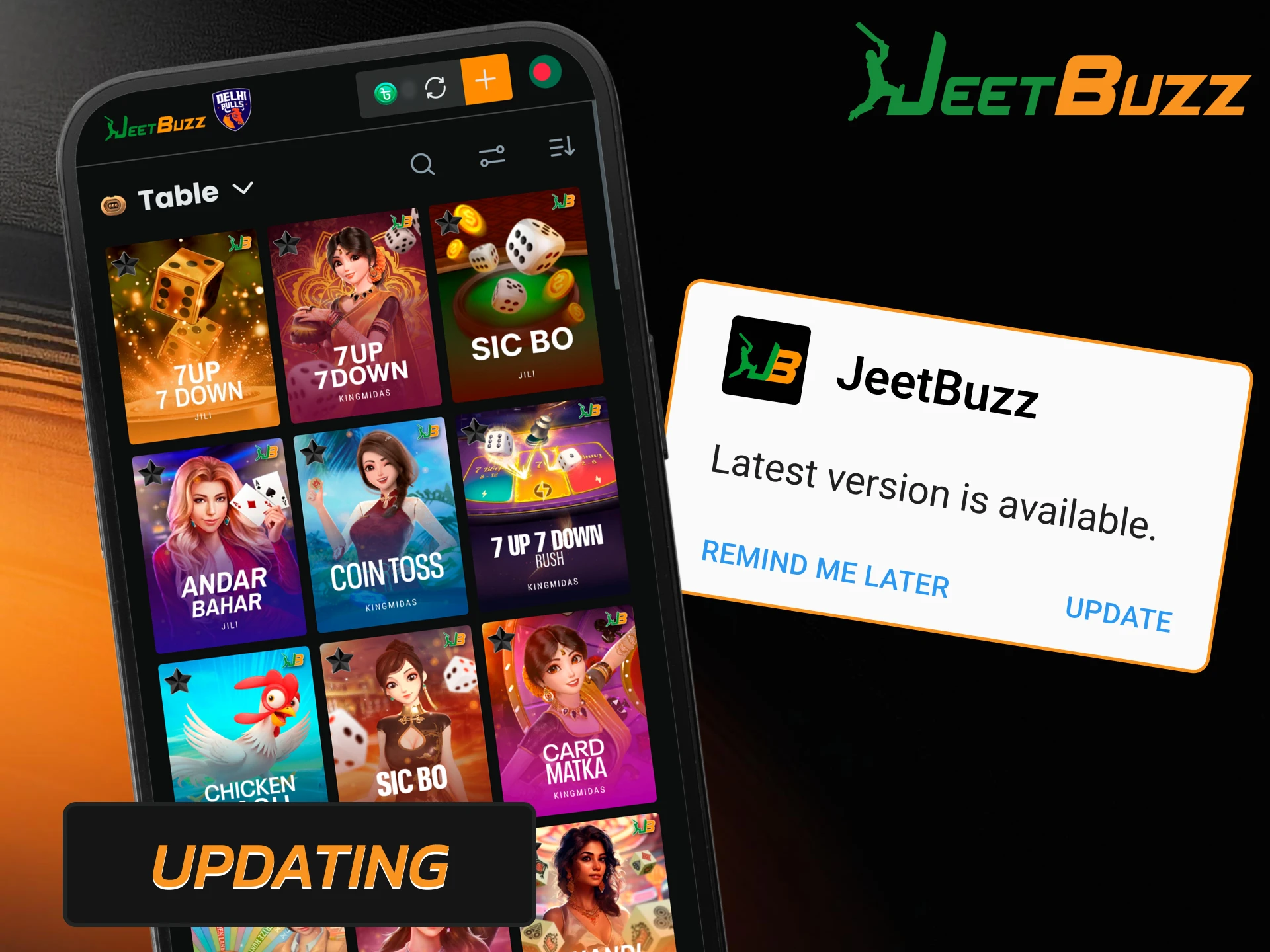
  2. The app will display an update request. Tap to confirm and start the installation.
  3. Wait for the download and installation to complete. The app will restart automatically.
  4. Log in with your existing credentials. All account data and settings are saved.

For iOS users, the PWA updates automatically via Safari, no action is required.

Install the latest Jeetbuzz app update for new features and stability.

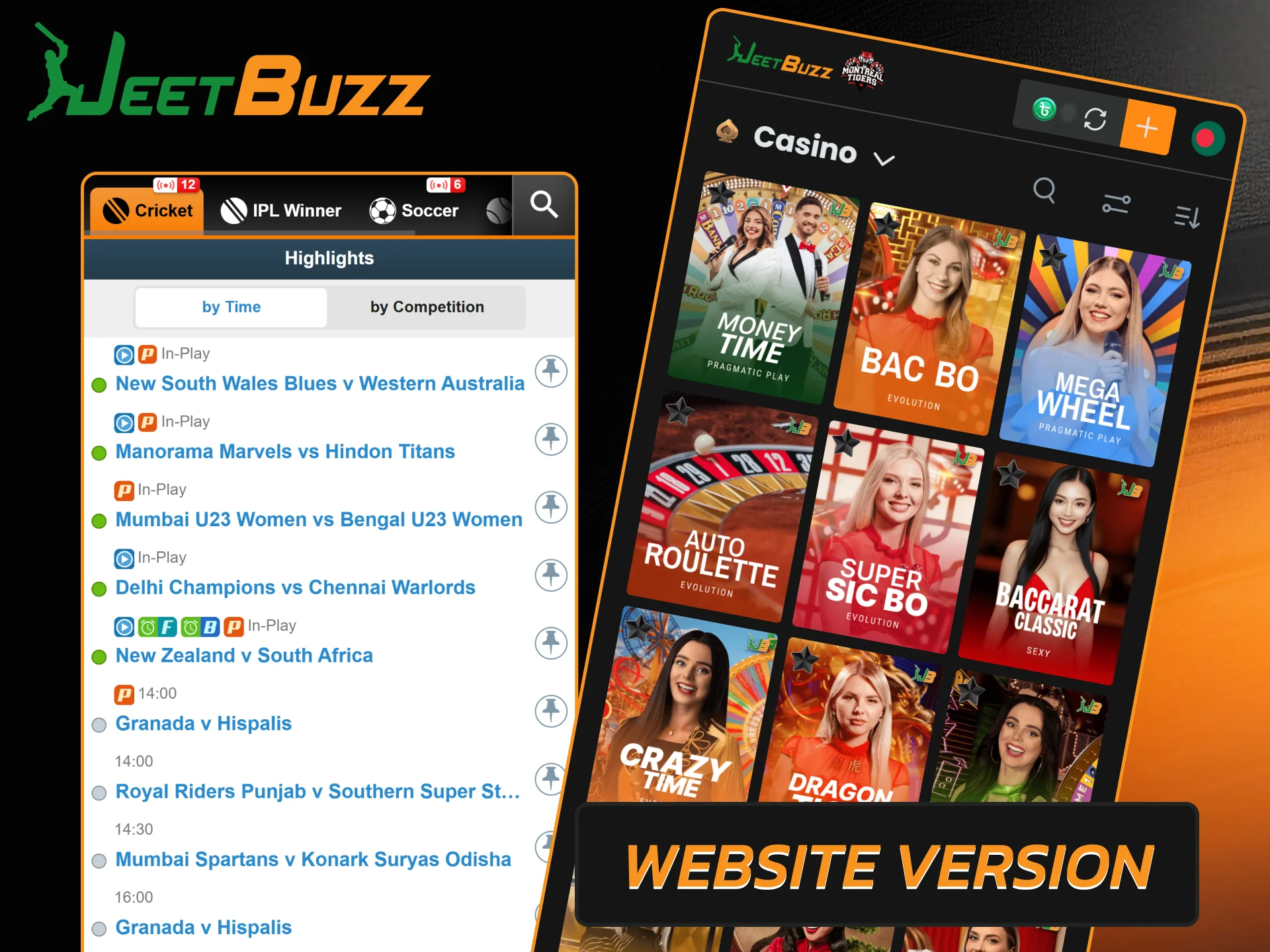
JeetBuzz Mobile Website Version

Players who prefer not to download any software can use the Jeetbuzz mobile website instead. The site is fully optimized for mobile browsers and works on any Android or iOS device without installation. It provides the same set of features as the app, including registration, account management, deposits and withdrawals, sports betting, casino games, and live streaming.

Use the Jeetbuzz mobile website for betting and casino games without downloading any files.

Differences of Using JeetBuzz App vs Adaptive Mobile Website

Both the app and the mobile site provide players with access to all of Jeetbuzz’s features on their smartphones. However, there are some differences that are worth considering.

JeetBuzz App Mobile Website
Requires download (APK or PWA) Opens directly in any browser
Takes up storage space on the device No space required
Interface elements preloaded after installation, pages load faster Each element loads from the server, slightly slower
Live odds update automatically in real time May require manual page reload for latest odds
Push notifications for matches, promotions, and bonuses No notification system available
Automatic login after first session Requires logging in through the browser each time
Requires Android 8.0+ or iOS 12.0+ Works on any device with a modern browser
Updates via notification or manual APK download Always runs the latest version by default

Registration Through JeetBuzz App

Creating a new account through the Jeetbuzz app is quick and easy. To register, follow these steps:

1

Open the Jeetbuzz App

Launch the Jeetbuzz application on your mobile device.

Launch the Jeetbuzz app on your device and tap the “Register” button on the main screen.

2

Fill Out the Registration Form

Enter your personal details into the Jeetbuzz sign up form.

Enter the required information, including your phone number, username, email address, full name, and password.

3

Confirm Your Registration

Submit your information to create your new Jeetbuzz profile.

Check the box to confirm that you are over 18 years of age and agree to the Jeetbuzz internal rules.

4

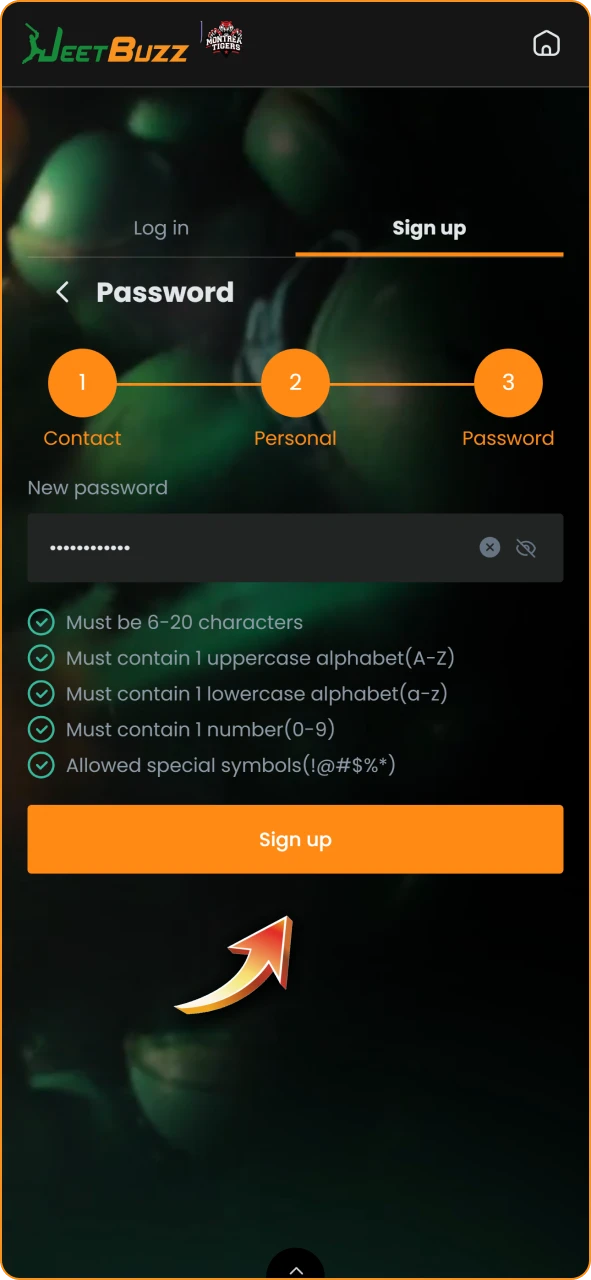
Complete Your Registration

Finish the account setup process to start betting on Jeetbuzz.

After filling out the form, click the confirmation button to create your personal account.

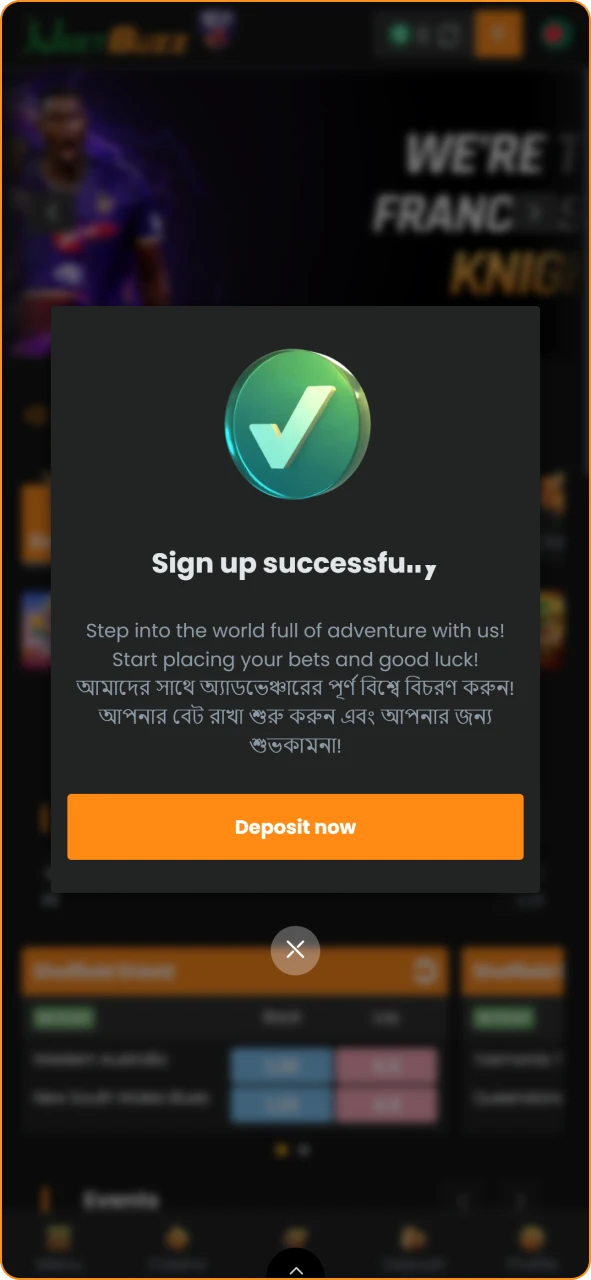
After registering, the app will automatically log you in, and you can start betting and playing at the casino. All features, including deposits, withdrawals, and promotions are available immediately.

Payment Methods Available Through App

All deposit and withdrawal options supported on the desktop site are also available in the Jeetbuzz app. Transactions are processed with no commission, and deposits arrive instantly.

Payment Method Min Deposit (BDT) Max Deposit (BDT) Withdrawal Time
bKash 500 25,000 1-48 hours
Nagad 500 25,000 1-48 hours
Rocket 500 25,000 1-48 hours
UPay 500 25,000 1-48 hours
TAP 500 25,000 1-48 hours
OKWallet 500 25,000 1-48 hours
USDT (TRC20) 500 25,000 1-48 hours
BTC 500 25,000 1-48 hours

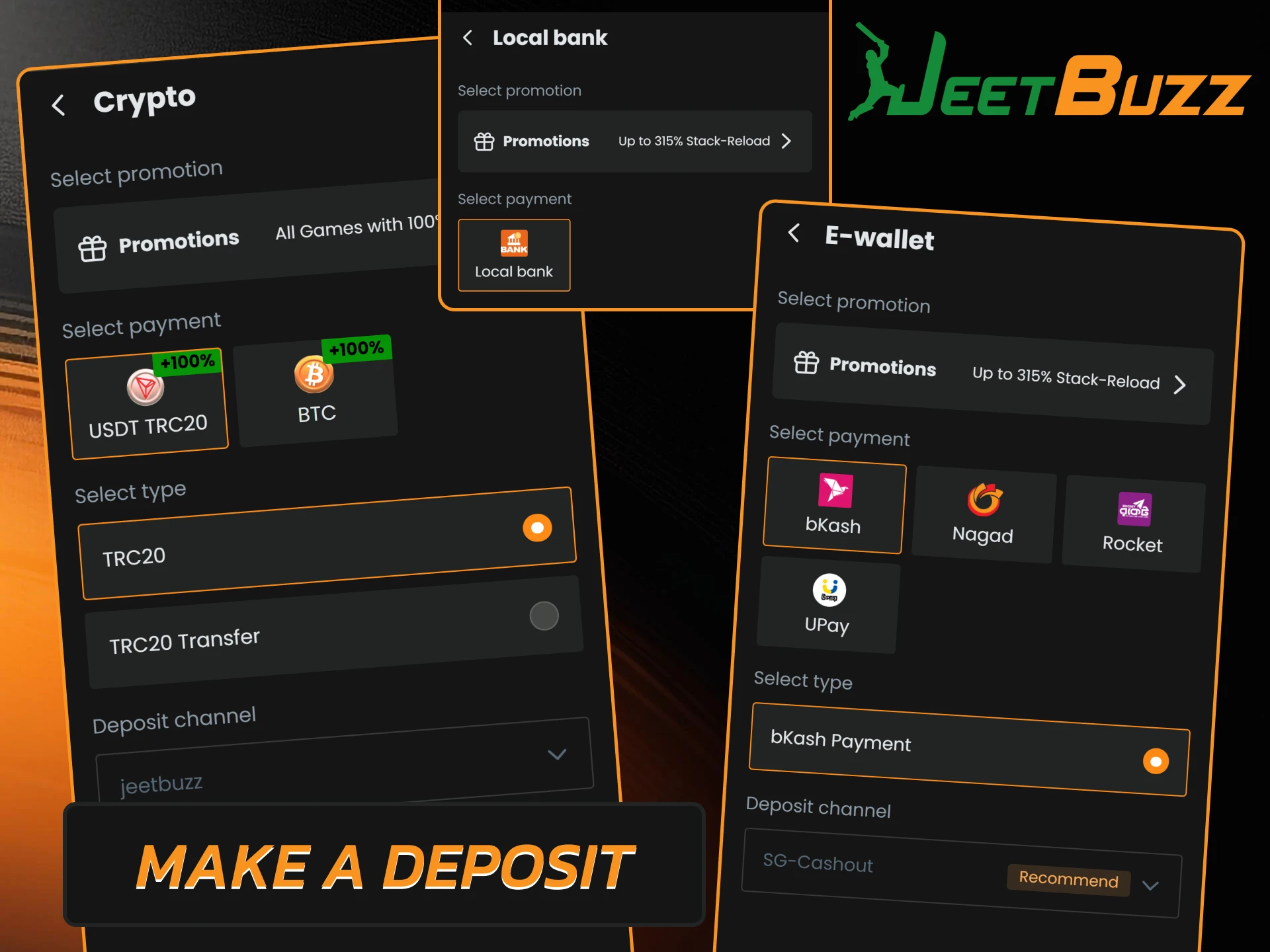
How to Make a Deposit

Topping up your balance via the app is quick and easy. Here’s how to do it.

  1. Open the Jeetbuzz app and log in to your account.
  2. Tap the deposit button.
  3. Select your preferred payment method from the list.
  4. Enter the amount you want to top up and confirm the transaction.

The funds will appear in your balance instantly and can be used immediately for betting or casino games.

Follow the steps to make a secure deposit into your Jeetbuzz account.

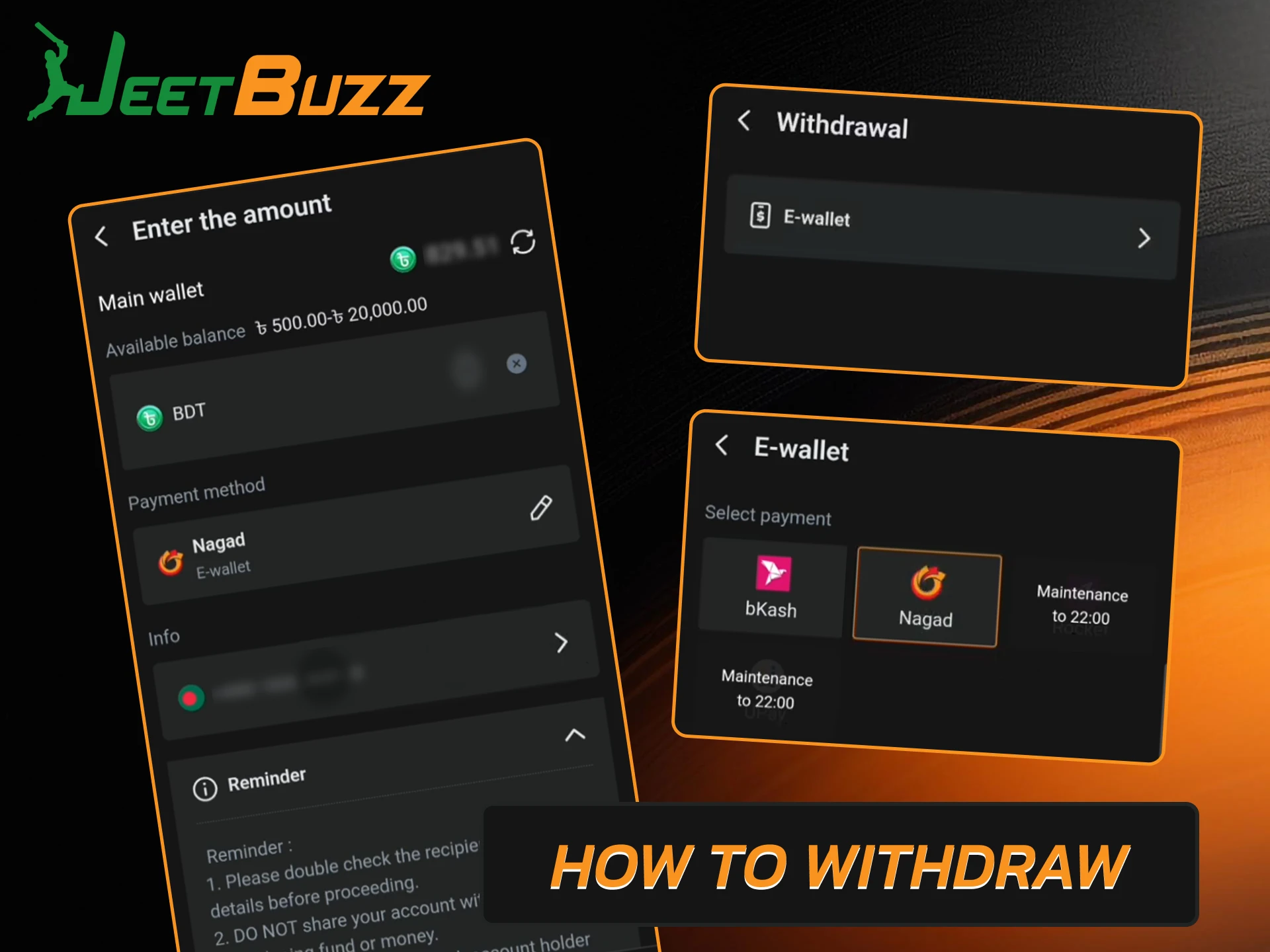
How to Withdraw

Withdrawing winnings from the app is done in a similar way. Before requesting a withdrawal, make sure your account has been verified.

  1. Open the withdrawal section in the account menu.
  2. Select a payment method and enter the amount;
  3. Confirm the withdrawal request.

Your request will be reviewed by the Jeetbuzz team, and the funds will be sent to the details you provided. Processing takes 1 to 48 hours, depending on the method.

Guide on how to withdraw your winnings from Jeetbuzz Bangladesh securely.

Casino Games via App

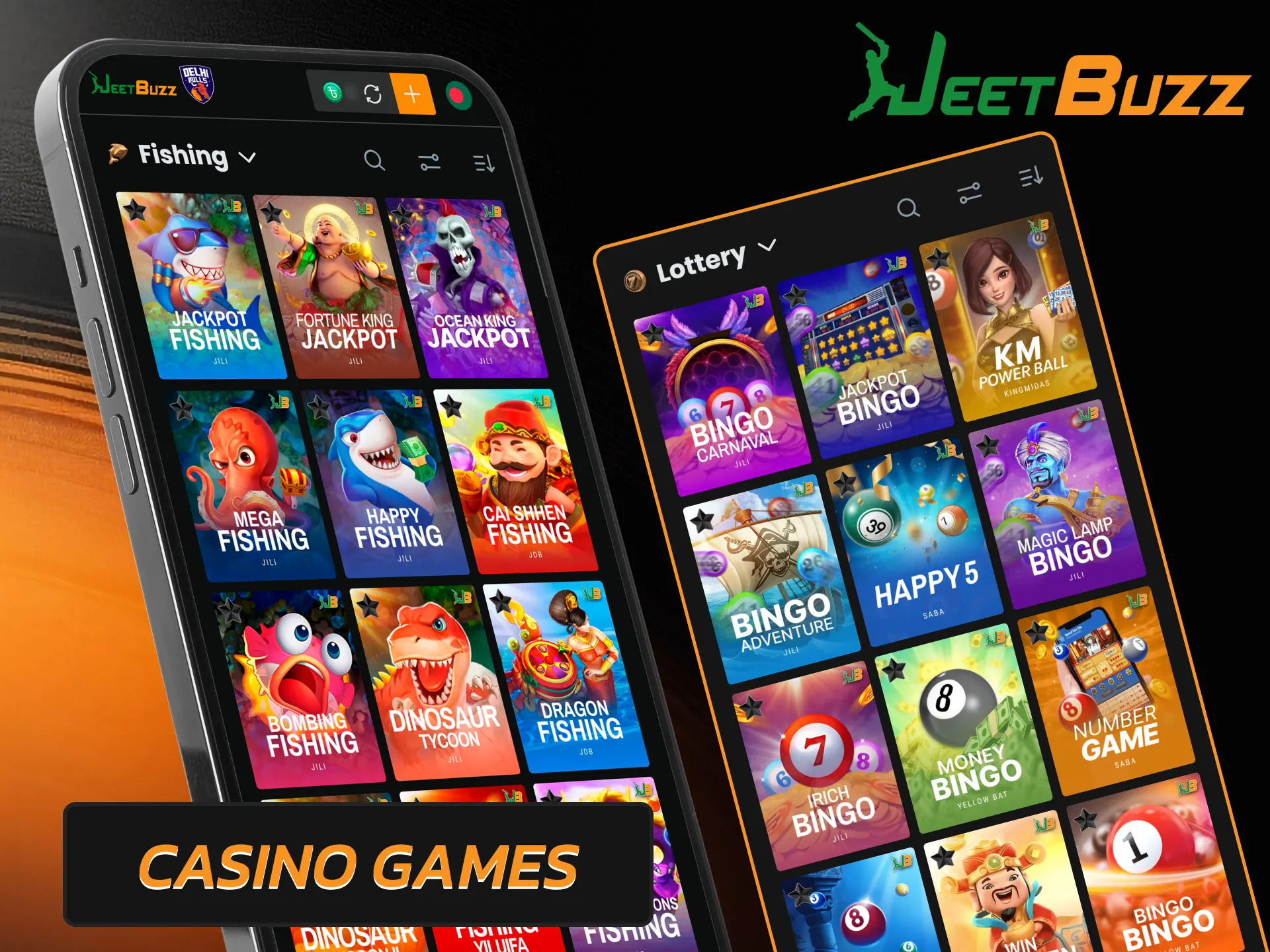
The casino section of the Jeetbuzz app gives players access to thousands of games from licensed studios, all of which are optimized for mobile screens. The games load quickly and run without lags. The following categories are available:

  • Slots;
  • Live Casino;
  • Crash Games;
  • Fast Games;
  • Table Games;
  • Fishing;
  • Arcade;
  • Jackpots;
  • Lottery, and others.

Slots can be played with a single tap after setting the bet size. Live casino games include live streams where players place bets using virtual buttons on the screen and receive payouts after each round. Games are provided by providers such as Pragmatic Play, Evolution, JILI, PG Soft, Hacksaw Gaming, Fa Chai, Microgaming, and JDB.

Play diverse casino games and live dealer tables via the Jeetbuzz app.

Sports Betting via App

The Jeetbuzz app supports betting on more than 40 sports and e-sports. Each sport has a separate section with a complete list of upcoming and current events. Both pre-match and live bets are available. Here are some of the most popular options:

  • Cricket;
  • Football;
  • Kabaddi;
  • Tennis;
  • Basketball;
  • MMA;
  • Horse racing;
  • Volleyball;
  • Table tennis;
  • eSports (Dota 2, CS 2, LoL, etc.).

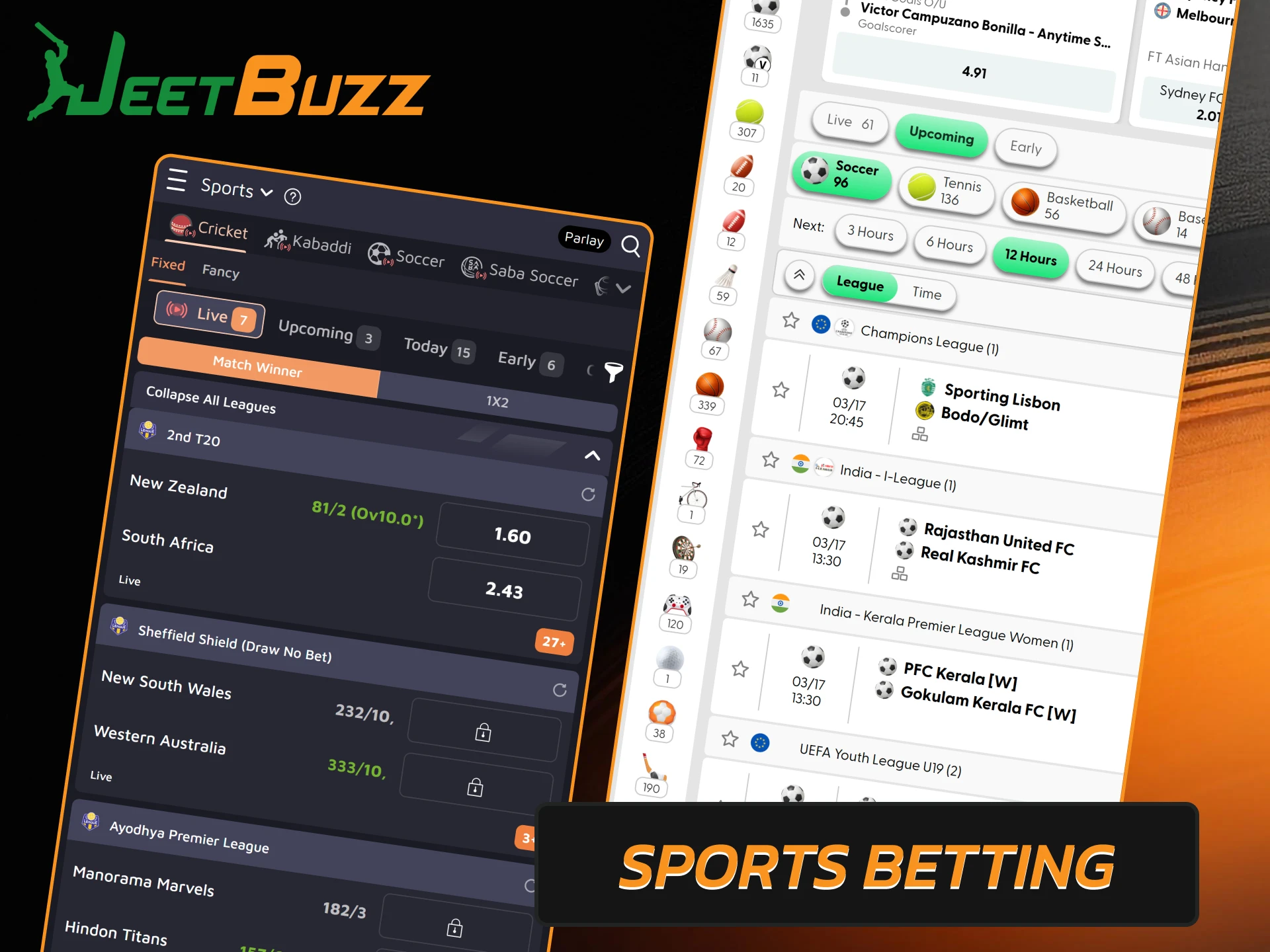
Available markets include match winners, totals, handicaps, exact scores, and individual player statistics. Live streaming is available for some events, and detailed match statistics help with pre-match analysis. In addition to the standard bookmaker, Jeetbuzz also offers a betting exchange where users bet against each other rather than against the bookmaker.

Place sports bets and track live match odds in the Jeetbuzz app.

How to Start Betting Through Mobile App

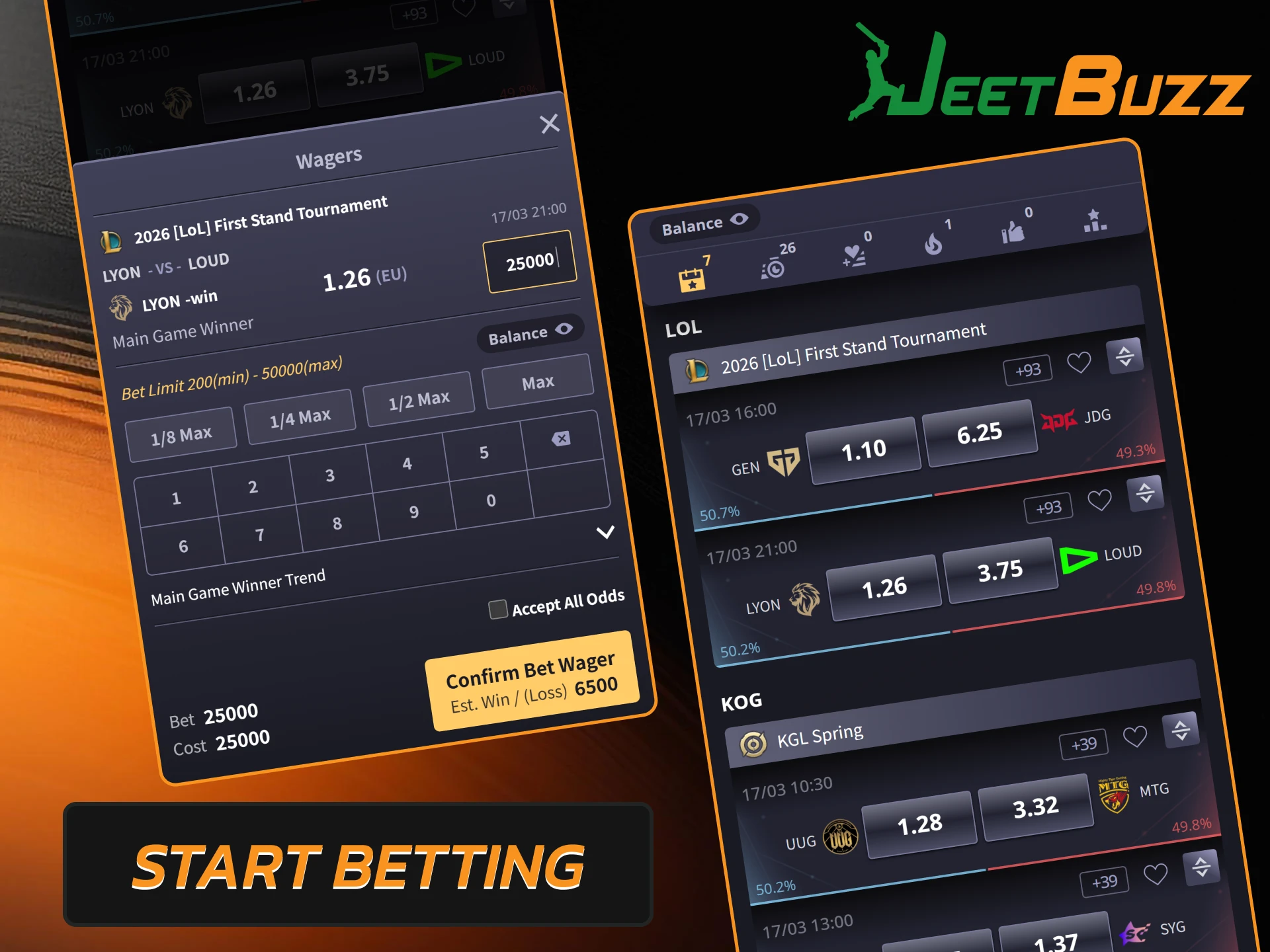
Once the app is installed and your account is ready, placing your first bet takes just a few steps.

  1. Open the Jeetbuzz app and log in with your username and password.
  2. Tap the deposit button, choose a payment method, enter the amount, and confirm.
  3. Go to the Sports section and select a sportsbook (SABA, BTi, Pinnacle, and others are available).
  4. Pick the sport and match you want to bet on.
  5. Browse the available markets and tap the outcome you want to back.
  6. Enter the amount in the bet slip and tap the confirmation button.

The bet is processed immediately and the stake is deducted from your balance. Once the event is settled, any winnings are credited to your account and can be withdrawn at any time.

Quick guide on how to place your first bet in the Jeetbuzz mobile app.

Types of Bets Available in App

The Jeetbuzz app supports the same bet types as the desktop version. Here is a quick overview of each option:

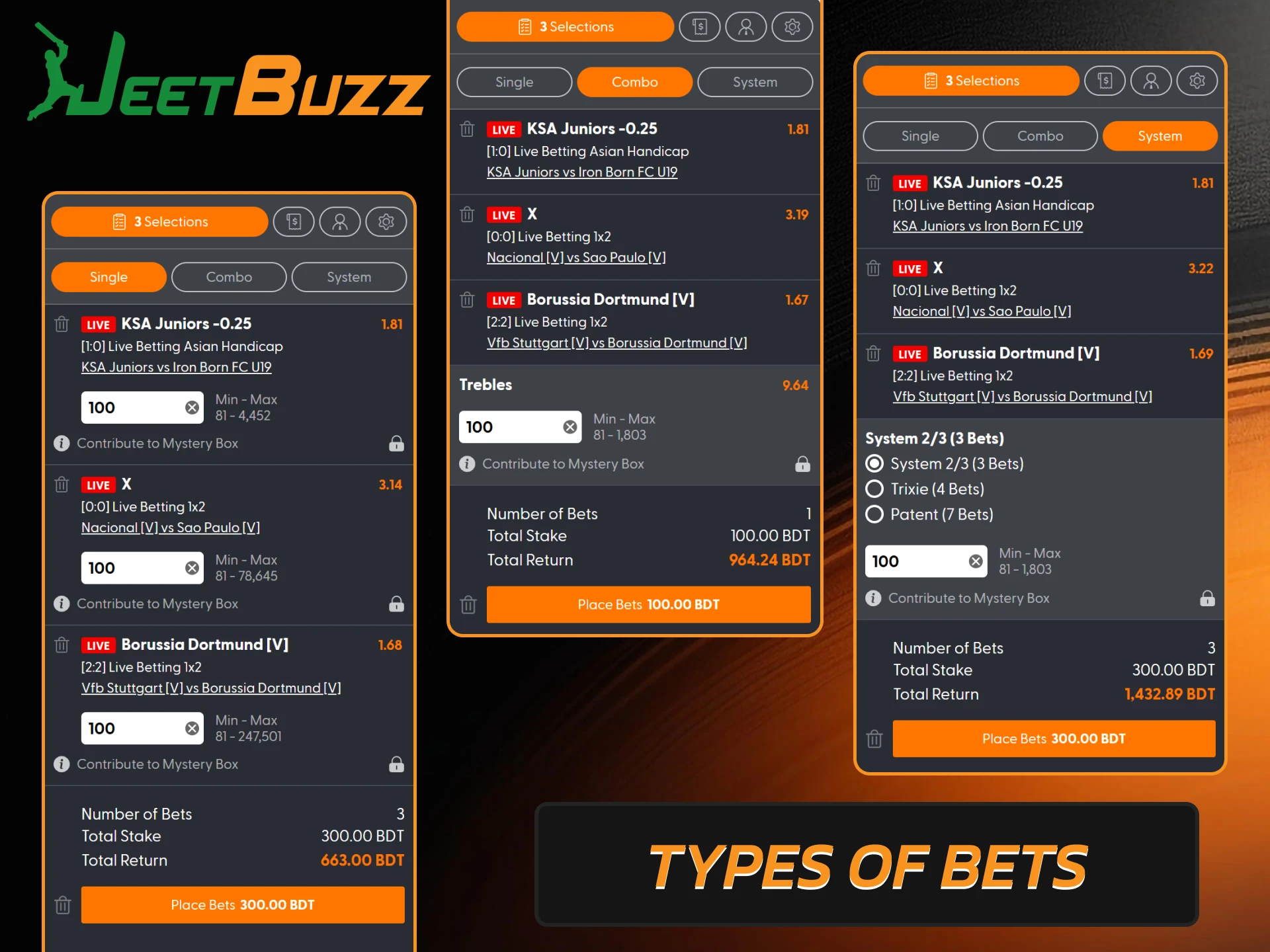
  • Single. The most straightforward bet type. Pick one match, select a market, and place your stake. The payout depends on the odds of that specific selection;
  • Express (Accumulator). Multiple selections are added to a single slip. The odds are multiplied together for a higher potential return. If one selection loses, the entire bet is lost;
  • System. A multi-selection bet where one incorrect prediction does not cancel the entire slip. The overall odds are lower than in an accumulator, but the risk is reduced.
Explore various betting markets including exchange, fancy, and traditional sports bets in the Jeetbuzz app.

How to Uninstall the JeetBuzz App

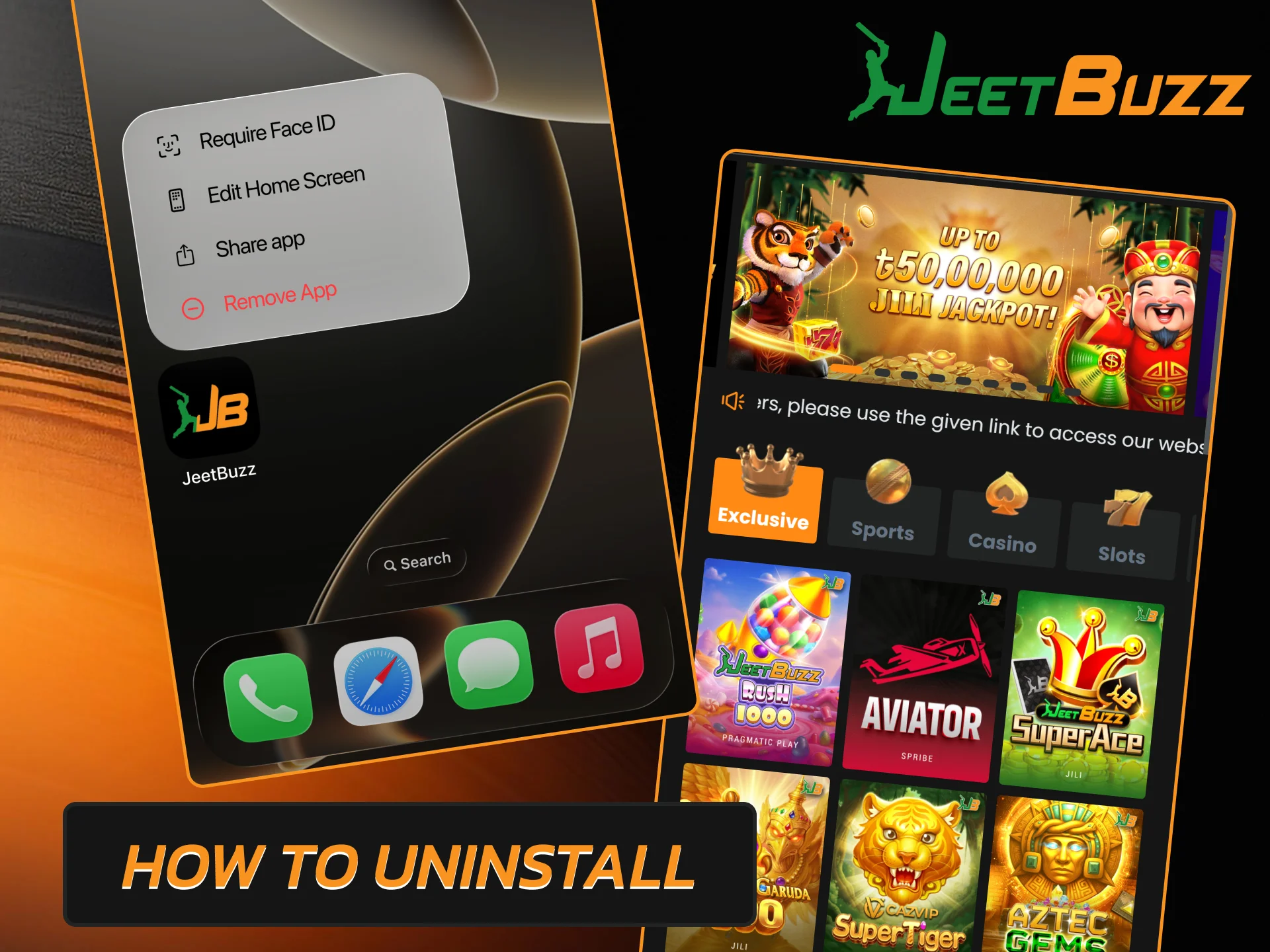
If you need to remove the Jeetbuzz app from your device, the process takes just a few seconds. Your account details, balance, and betting history will remain secure on the server, and you can access them after reinstalling the app.

  1. Find the Jeetbuzz icon on your home screen (Android) or main screen (iOS).
  2. Press and hold the icon.
  3. Tap the delete button.
  4. Confirm the action when prompted.
Follow the simple steps to uninstall the Jeetbuzz application from your mobile device.

JeetBuzz App Security Protocol

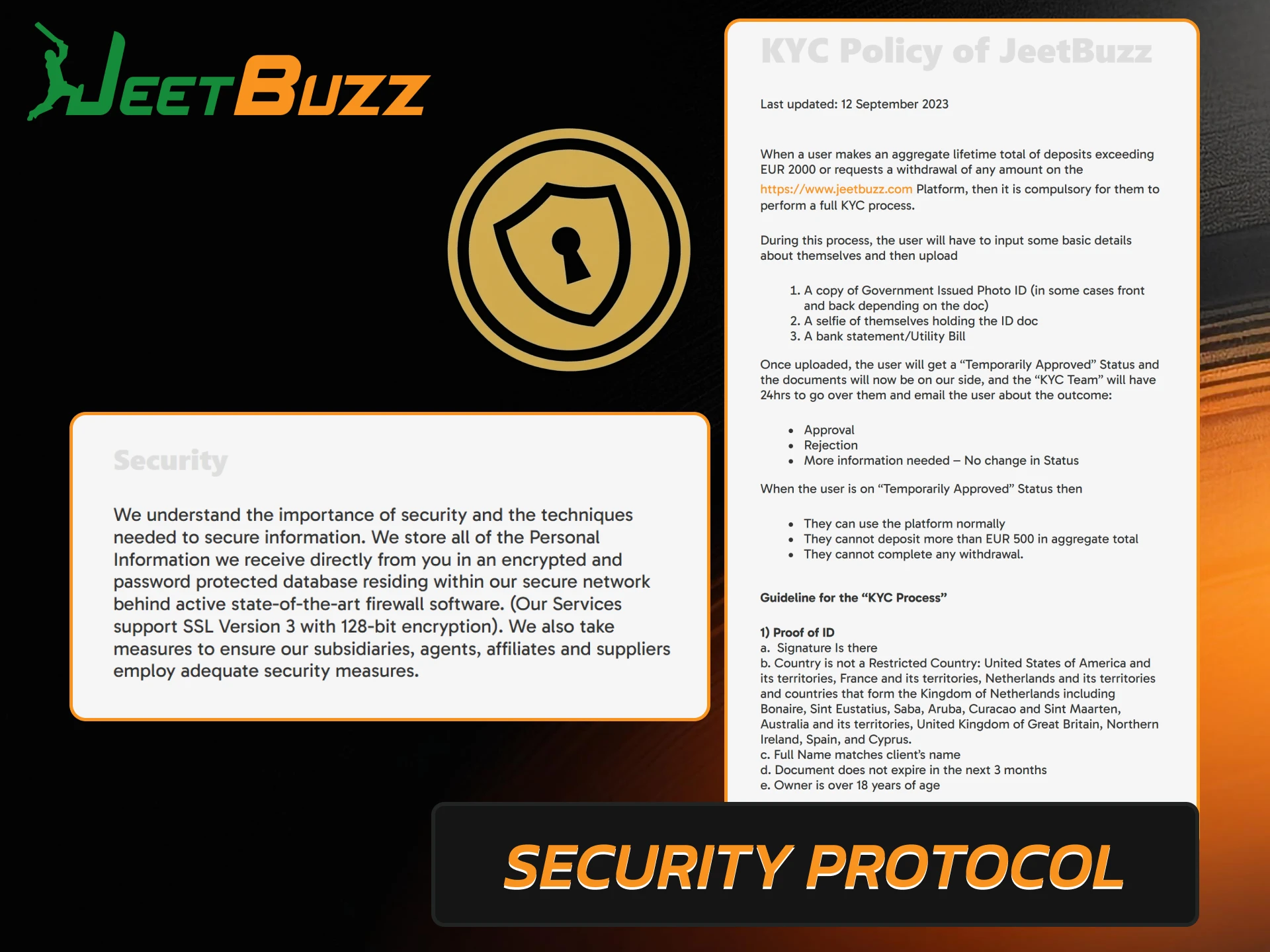
The Jeetbuzz app uses SSL encryption for all communication between the device and the server, which blocks third-party access to account details and payment information. User information is stored on servers protected by firewalls and antivirus systems with round-the-clock monitoring. Funds can only be withdrawn to the payment systems that were previously used to top up the account. Mandatory KYC verification ensures that each account belongs to a real person. Regular app updates eliminate potential vulnerabilities and maintain security at the latest level.

Learn about the Jeetbuzz app security protocols and data encryption for player safety.

Customer Support

The Jeetbuzz app gives players direct access to customer support without leaving the application. Agents are available around the clock and can help with account questions, deposits, withdrawals, bonuses, and technical issues.

Communication Method How to Contact Best For
Live Chat Tap the chat icon inside the app Quick questions about accounts, deposits, navigation, and bonuses
Email info@jeetbuzz.com Issues that require detailed review, such as verification or technical problems

FAQ

Can I Use the Same Account in the App and on the Website?

Yes. Your Jeetbuzz account is available in the app and on the mobile website, and you can log in with your username and password.

Why Is the Jeetbuzz App Not Available on Google Play or the App Store?

Due to Google and Apple’s policies regarding gambling apps, Jeetbuzz is distributed as an APK file for Android and a PWA for iOS.

Will I Lose My Data if I Delete the App?

No. All account data, balance, and betting history are stored on the server. You will be able to access everything again after reinstalling or logging in via the mobile site.

Can I Activate Bonuses Through the App?

Yes. All promotions available on the website are available in the app.

What Should I Do if the App Crashes or Won’t Open?

Close the app completely and restart it. If the problem persists, download the latest version of the APK and install it over the existing version.

Can I Watch Live Sports Broadcasts in the App?

Yes, users can watch live sports and sporting events for free through the Jeetbuzz app.

Comments

The value is incorrect

The value is incorrect

The value is incorrect

Something went wrong. Please, try again later

Ali

Jeetbuzz app is really one of the best on the market for Bengali players, thank you

Mohammed Saha

jeetbuzz apk download was easy and quick for me

Md Islam

Nice

Rahjeet

Good app

Sallah39

Started playing at Jeetbuzz and been enjoying the service since then. Best app!

Mustafa92910

Donwloaded the app to bet on upcoming IPL 2025 and it's working good so far.

Raj

I bet on IPL with jeetbuzz every year, app is very convenient but the promotions are not very good lately.

Updated: